To make it easier to locate items within the Project Navigator,
you can create your own filters to display only those items that meet the specified
criteria.
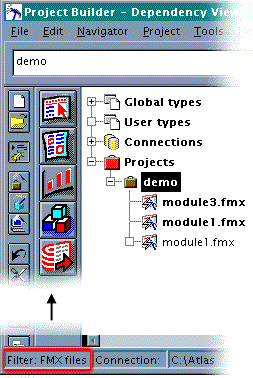
In this example, a filter that screens out everything except FMX files is applied to the
Project Navigator. The lower left corner of the Navigator's status area always contains
the name of the currently applied filter.
|
|
|
|
