
Select Home and Remote Interfaces
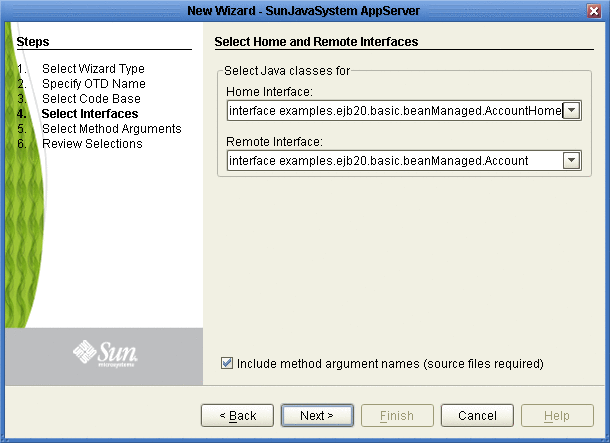
The Select Home and Remote Interfaces page displays the selected Java Home and Remote Interfaces. These fields are automatically populated. Both fields include a drop-down list that allows you to select the appropriate home and remote interface (if more than one choice is available).
 To Select Home and Remote Interfaces
-
Review the selected Home and Remote Interface fields (see the figure below).
-
To add the method argument names to the OTD, select the Include method argument names option. Do not select this option if you do not have the EJB source code. Click Next. The Wizard advances to the Select Methods Arguments page.
If the selected EJB file’s interfaces are valid and the Select Method argument names option was not selected, the wizard advances to the Review Selections page.
- © 2010, Oracle Corporation and/or its affiliates