For a Breadcrumbs component, power users can configure the data source and whether to expand a list of multi-select attribute values.
To configure a Breadcrumbs component:
-
On the
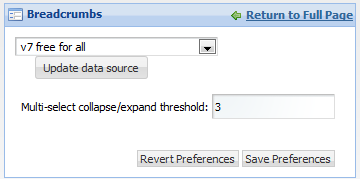
Breadcrumbs component edit view, to bind a
different data source to the component, select the data source from the
drop-down list, then click
Update data source.
-
In the
Multi-select collapse/expand threshold field,
set the number of attribute values after which the list can be collapsed.
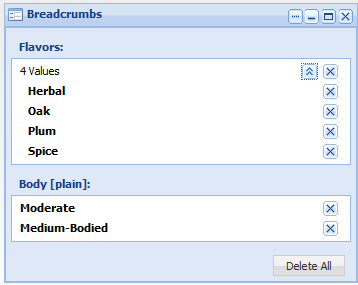
When end users select multiple values for an attribute, if they select more than this number, then on the Breadcrumbs component, the list of selected values is initially collapsed.
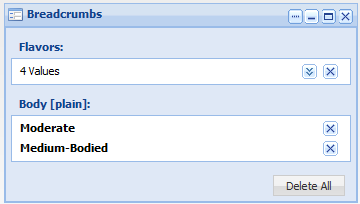
End users can then use the expand/collapse button to display or hide the full list.
- To save your changes, click Save Preferences.
- To exit the edit view, click Return to Full Page.
