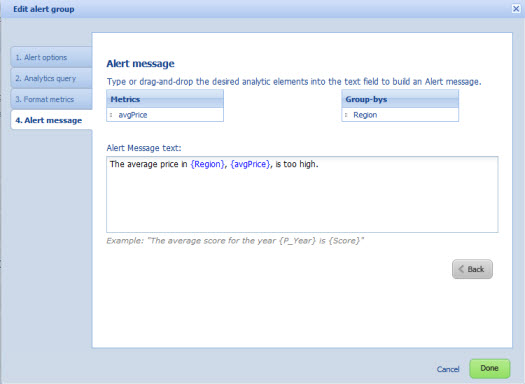
You use the Alert message tab to configure the text of the alert message for the alert group.
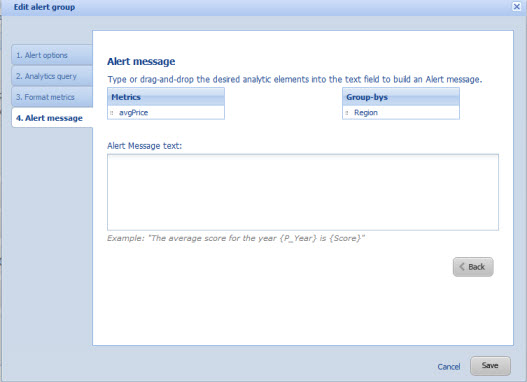
To configure the alert message for an alert group:
- In the text field, type the text of the message.
-
To add a metric or group-by value, you can either:
- Drag the value from the Metrics or Group-bys list
- Type the value manually. When typing the value manually, remember to enclose the value in braces. For example, {AvgPrice}.
When you provide the alert message, if the alert group is complete, the Save button changes to a Done button.