From the Attribute Settings component, you can remove attributes from your attribute groups.
Removing an attribute from an attribute group does not remove it from other attribute groups or from the MDEX Engine.
You cannot remove attributes from the default Other default attribute group.
To remove an attribute from an attribute group:
- In the Attribute Groups list, open the attribute group you want to manage.
-
Click the delete icon next to the attribute name.
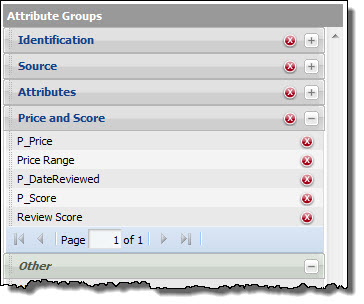
The attribute is removed from the group.
If the attribute no longer belongs to any of your own groups, then it is restored to the default Other group.
