The administrative components, available from the Control Panel, are primarily used by administrators for higher-level configuration and monitoring of Studio.
About Studio
Provides version and build information for the Studio application. Also contains buttons to upload the Quick Start Sample Application and the sample Data Explorer and Schema Explorer pages.
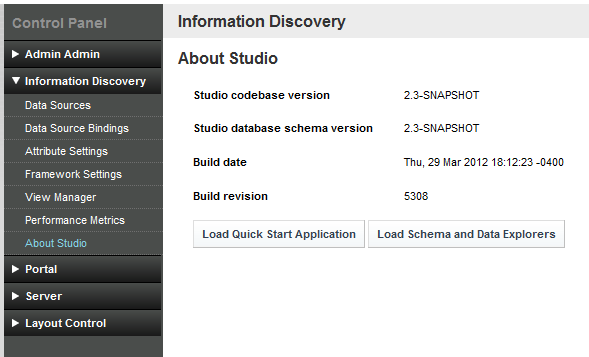
For details on the Quick Start Sample Application, see the Oracle Endeca Information Discovery Quick Start Guide.
Attribute Settings
Used to configure the attributes and attribute groups within each data source.
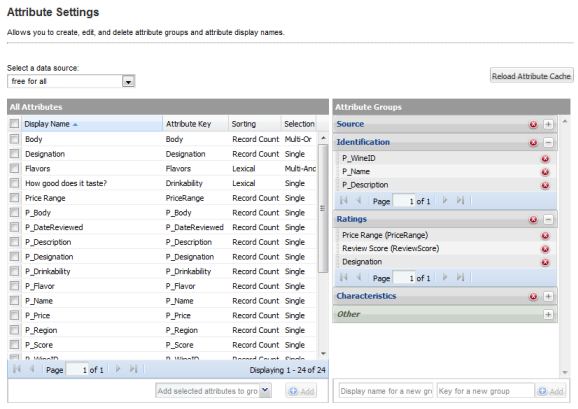
- Create and remove attribute groups
- Add attributes to attribute groups
- Remove attributes from attribute groups
- Configure attribute display names
- Configure the attribute value sorting and selection options for the Guided Navigation component
- Reload the attribute and group cache, so that components will reflect any changes
Data Source Bindings
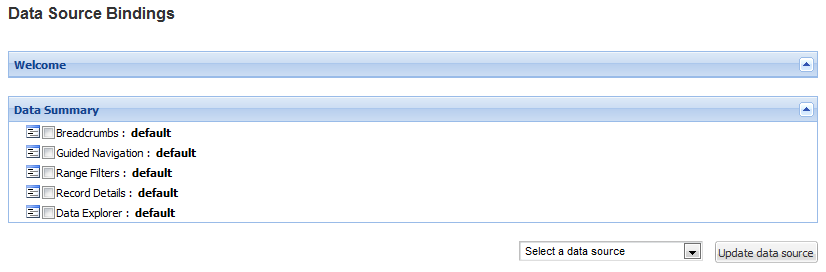
Used to assign a data source to one or more of the components on the Studio application pages.
Data Sources
Used to manage the data sources used by Studio.
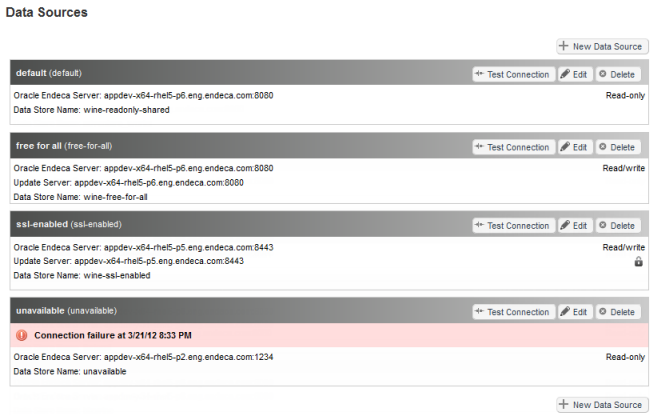
- Add new data sources
- Edit existing data sources
- Remove data sources
- Test the connection to data sources
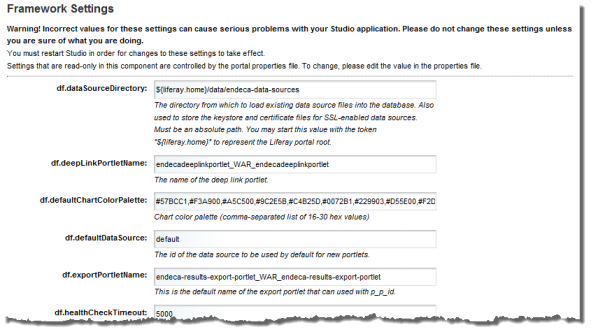
Framework Settings
Provides access to several configuration settings for the Studio application, including state and security options.
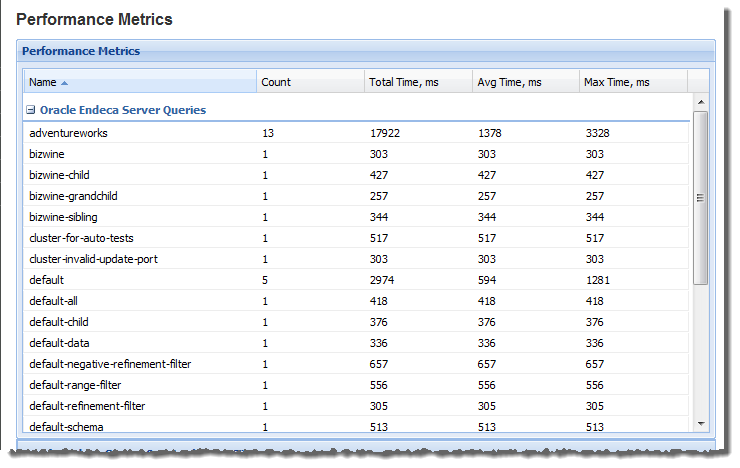
Performance Metrics
- Endeca Server queries
- Portlet server executions
- Portlet client executions
At the top of the component is a table summarizing the query information.
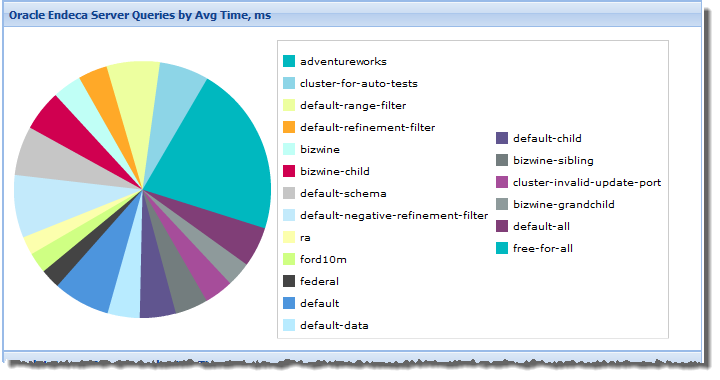
The table is followed by a set of pie charts to provide a visual summary of the performance information.
View Manager
Used to configure the views (logical sets of attributes) within each data source. Views are currently used by the Chart component to determine the available data for the chart.
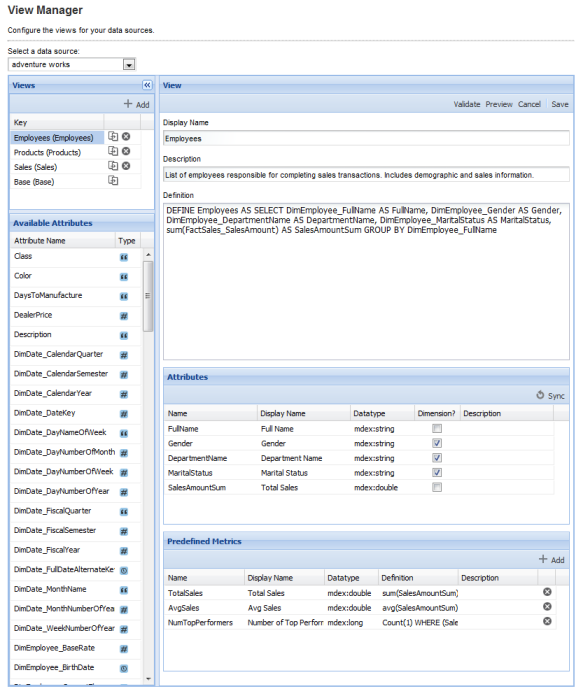
- The EQL query that defines the view.
- The attributes included in the view. Some attributes may be designated as grouping attributes, called dimensions.
- Any predefined metrics (calculated values) included in the view.
