Studio contains several standard components that allow you to add Information Discovery functionality to your application.
To add an Information Discovery component to your Studio application:
- Point the cursor at the Dock.
-
From the Dock menu, select
Add Component.
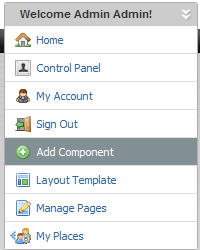
The Add Component dialog is displayed.
-
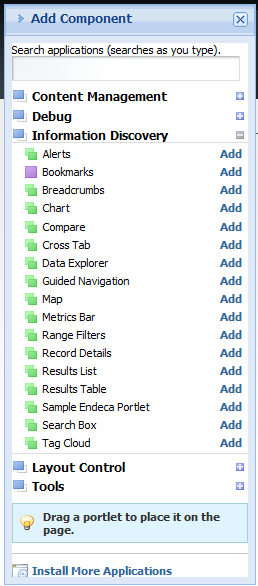
In the
Add Component dialog, expand the
Information Discovery category.
A list of the available Information Discovery components appears.
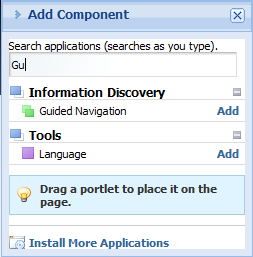
You can also use the search field to search for a specific component.
-
To add a component to the main page layout, either:
- Click the Add link for the component.
- Drag the component from the Add Component dialog to the page.
