Next, you create an empty Studio application, into which you can import the Getting Started project.
To create an empty Getting Started application:
-
On the
Discovery Applications page, click
New Application.
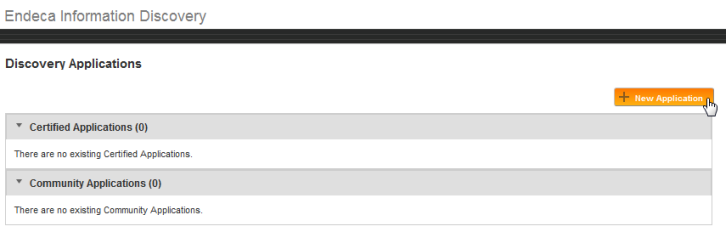 The New Discovery Application page is displayed.
 -
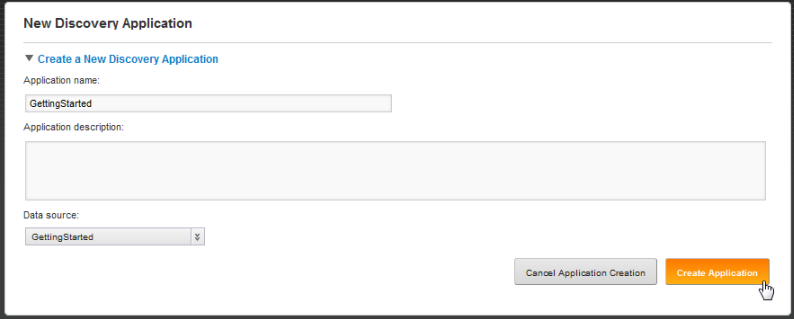
From the
Data source drop-down list, select
GettingStarted.
-
On the
New Discovery Application page, click
Go to Application.

An initial view of the GettingStarted application opens. However, before you can start using it, you must import the sample project LAR file.
