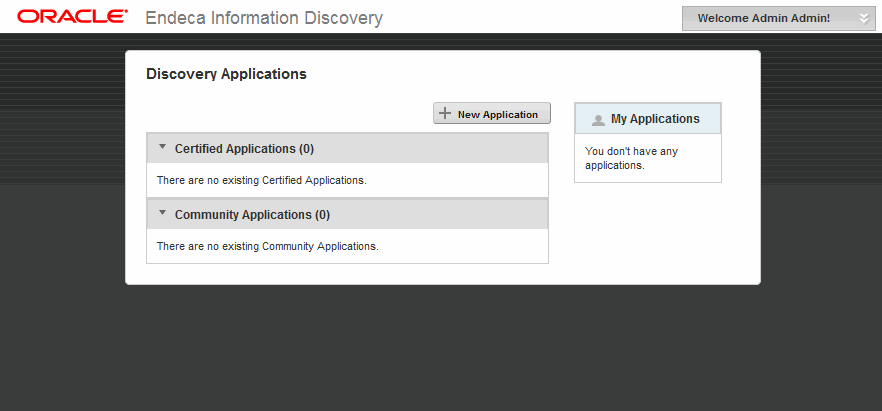
Before you can explore the sample application, you must start the Studio server and log in to Studio.
Important: The Studio
Chart component requires Adobe Flash Player
10.0 or greater. If you do not already have Flash Player installed on your
machine, you will need to download it from
http://get.adobe.com/flashplayer
and install it before using Studio.
To start Studio:
-
Log in to Studio using the default login and password:
Email Address: admin@oracle.com Password: Welcome123 You are immediately prompted to change the password upon first use. The new password must contain:- At least 6 characters
- At least one non-alphabetic character
After you change your password, Studio displays the Discovery Applications page: