One option for creating a new view is to create a new empty view.
On the View Manager, to add a new view to the selected data source:
-
On the views list, click
New View.
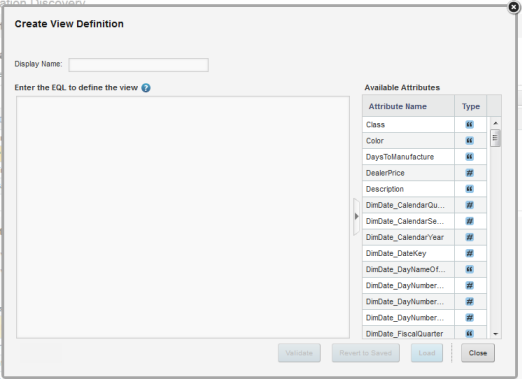
The Create View Definition dialog is displayed.
One option for creating a new view is to create a new empty view.
On the View Manager, to add a new view to the selected data source:
The Create View Definition dialog is displayed.
Oracle Endeca Information Discovery Studio: Studio User's Guide · Version 3.0.0 Rev. A · May 2013
Copyright © 2003, 2013, Oracle and/or its affiliates. All rights reserved.
