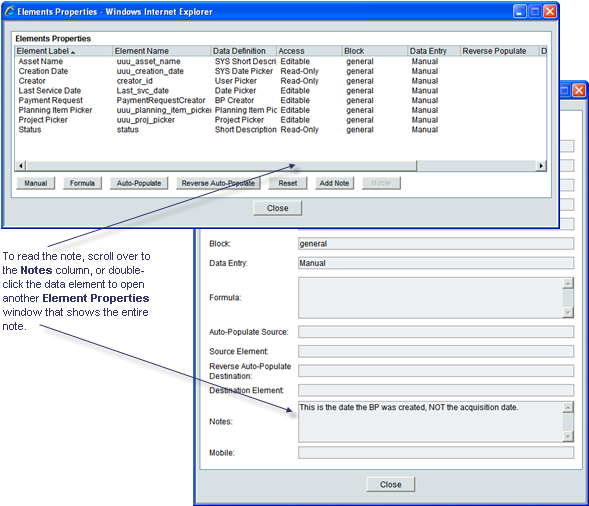
Using a note, you can enter details about this element and what it is designed to do. Adding a note to a field on the form is optional, but can be helpful to others in understanding how this element works on this form, particularly if it has a special behavior, such as automatically creating another record.
To add a note
| 1 | Open the form for which you want to add a field note. |
| 2 | In the Form Designer window, click the Properties button on the toolbar. The Elements Properties window opens showing a list of the fields (data elements) on the form. |
| 3 | Select the field you want to add a note to. |
| 4 | Click the Add Note button. A Notes window opens. |
| 5 | Add the note in this window and click OK. |
You can enter up to 4000 characters. Primavera uDesigner will display the note in a Notes column on the Elements Properties window.
Oracle Corporation
Primavera Unifier 9.10 • Copyright © 1998, 2012, Oracle and/or its affiliates. All rights reserved.