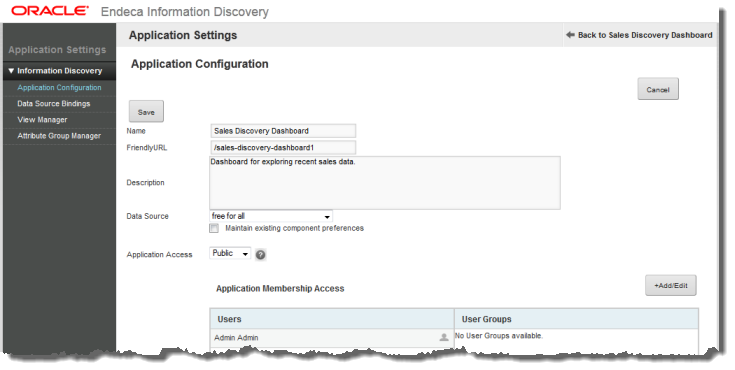
The Application Settings page, available from the Studio menu, provides access to functions for configuring the current application and managing the application's data.
The
Application Settings page includes options to:
- Configure the application. The Application Configuration option is selected by default when the Application Settings page is first displayed.
- Select data sources for application components. This option is only available if the application data source has related data sources.
- Configure views for the application data
- Configure attribute groups for the application data