By default, a new application is marked as active. From the Control Panel, Studio administrators can control whether an application is active or inactive. Inactive applications are not displayed on the Discovery Applications page.
Note that this option only available to Studio administrators. Application administrators cannot change the application status.
To change the application status:
- From the Studio menu, select Control Panel.
- In the Control Panel menu, click Applications.
-
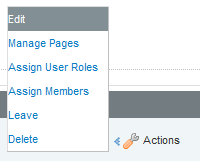
Click the
Actions link for the action, then click
Edit.
-
On the application configuration page, to make the application
inactive, uncheck the
Active checkbox.
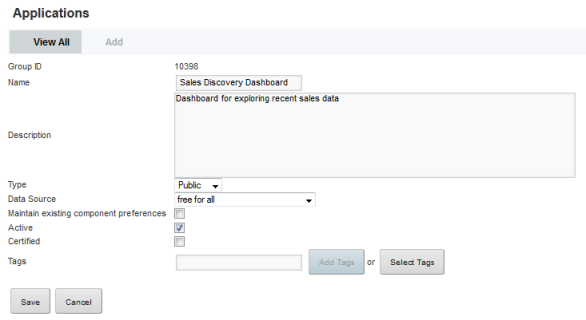
If the application is inactive, then to make the application active, check the Active checkbox.
- To save the change to the application status, click Save.
