From the Control Panel Applications page, Studio administrators can add and remove members from any Studio application.
From the Control Panel, to manage the membership for an application:
-
For the application you want to manage membership for, click the
Actions button, then click
Assign Members.
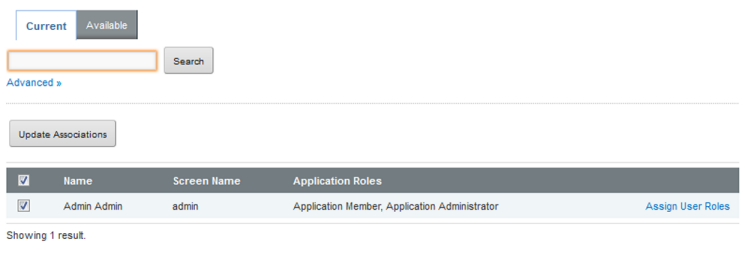
On the membership page, the Current tab lists the current application members.
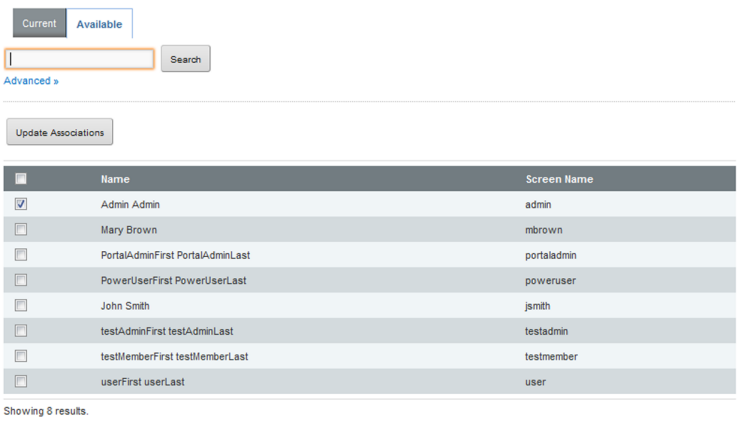
The Available tab lists all of the users. For current members, the checkbox is checked.