Assigning application roles to application members

From the Control Panel Applications page, Studio administrators can change any application's membership to determine whether members are an application members or administrators.

From the Control Panel, to assign application roles to application members:

  1. In the Control Panel menu, click Applications.
  2. For the application you want to update the member roles for, click the Actions button, then click Assign User Roles.
  3. On the Roles page, click the role you want to assign.
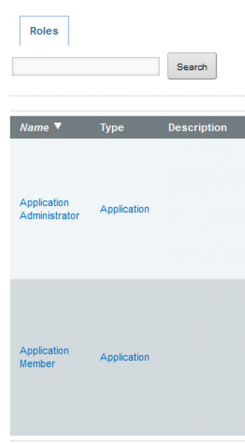
    Available roles to assign for an application

    On the users page, the Current tab lists the users who currently have the selected role.

    The Available tab lists all of the application members. Members who already have that role have the checkbox checked.
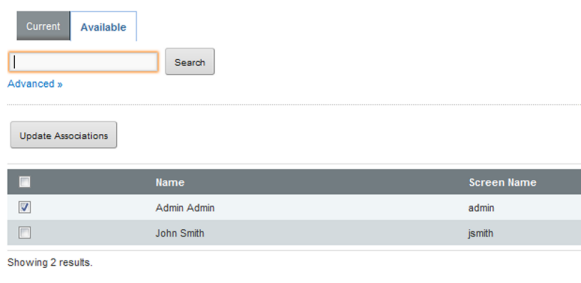

    Available users to assign to a selected application role
  4. On the Available tab, to assign the selected role to a user, check the checkbox.
  5. On the Current or Available tab, to remove the role from the user, uncheck the checkbox.
  6. To save the membership changes, click Update Associations.