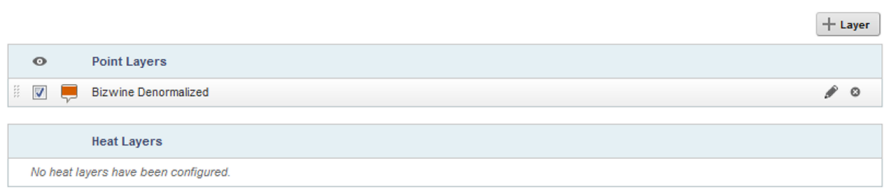
When the Map component is first added, it uses the default configuration. For each base view that has a geocode attribute, the component includes a numbered point layer. The layer name is set to the view name.
The details for the default layers contain the identifying attributes for the view.
The automatically created layers are all visible by default. When using the default configuration, you cannot customize any of the layer settings, and you cannot add or remove map layers.