The user menu, located in the upper right corner of Studio, contains options common to all Studio users.
If you are not logged in, then the menu label is Welcome, and only the Change Locale option is available.
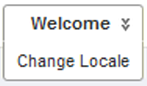
| User Menu Option | Purpose |
|---|---|
| Change Locale | Allows you to change the locale used to display Studio. This includes the language and also default display formats for values. |
For logged-in users, the Discovery Applications page is the Studio home page. It provides access to Studio applications. On the Discovery Applications page, options become available to manage your account and log out.
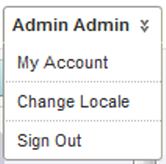
The additional menu options are:
| User Menu Option | Purpose |
|---|---|
| My Account | Allows you to edit your Studio user profile information. |
| Sign Out | Logs you out of Studio. |
When you are within an application, an option is added to return to the Discovery Applications page.
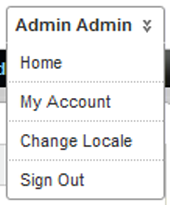
The additional menu option is:
| User Menu Option | Purpose |
|---|---|
| Home | Returns you to the Discovery Applications page. |
