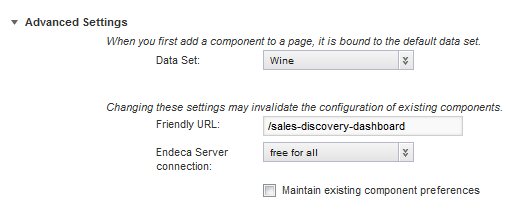
For applications that have multiple data sets, you can select the default data set to use for new components. Note that the default data set is used for all new components, even components added to a page that was originally created for another data set.
The default data set is initially set to the first data set added to the application.
To change the default data set:
-
On the
Application Configuration page, expand the
Advanced Settings section.