From the Map Layers tab of the Map component edit view, you manage the list of layers.
To add, edit, and remove map layers:
-
To add a new layer to the map, click the
+Layer button.
A new layer is added to the list. The name is in an editable field.
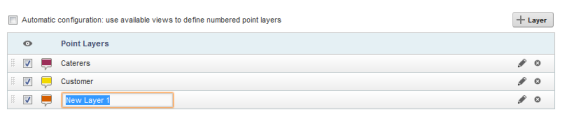
Type the name of the layer, then press Enter.
