The Refinement Rules page is available from the Application Settings page. If an application only has a single data set, then the Refinement Rules option is not displayed.
From within an application, to display its refinement rules:
-
On the
Application Settings page, click
Refinement Rules.
The Refinement Rules page displays the list of refinement rules for the application.
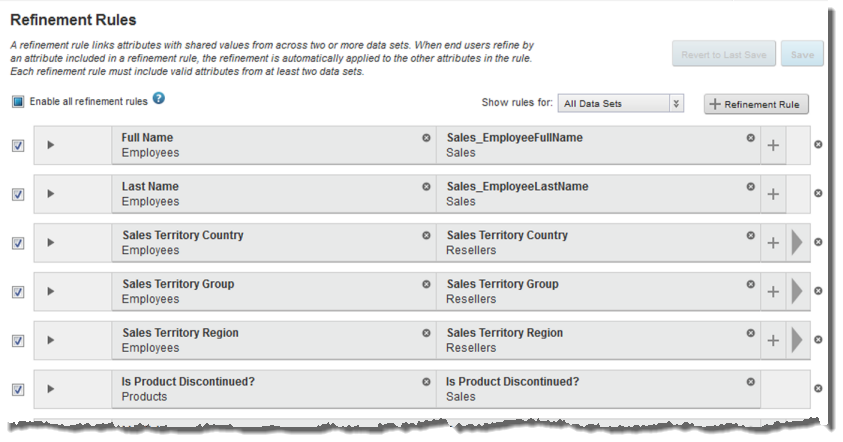
Each tile contains a data set/attribute combination. If the rule items do not fit within the page, then use the arrow icon at the right to display additional items.
The area at the left of the rule is used to indicate when a refinement rule is invalid.
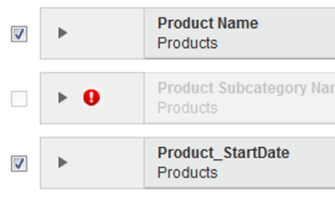
To display the details as to why a refinement rule is invalid, click the error icon.
-
To display the sample values for each attribute in a rule, click
the expand icon for the rule.
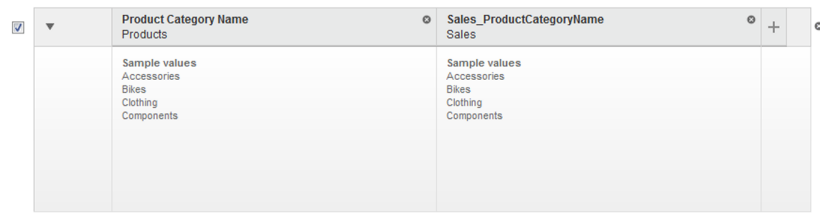
If the sample values do not match well, then Studio displays a warning message.
