Prior to logging in, the System Login page appears. You can create a login message that will appear just below the Log In button on the System Login page.
Oracle System Login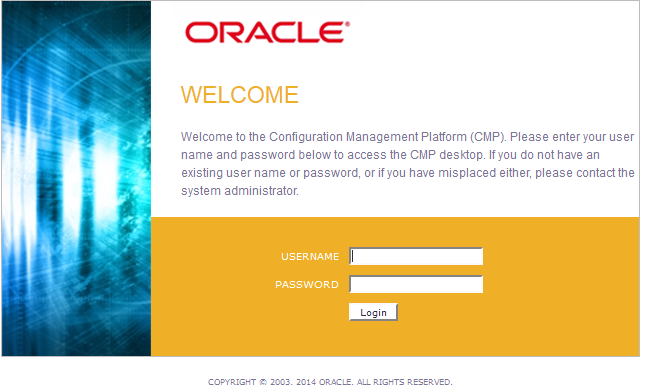
The next time you log in to the user interface, the login message text is displayed.