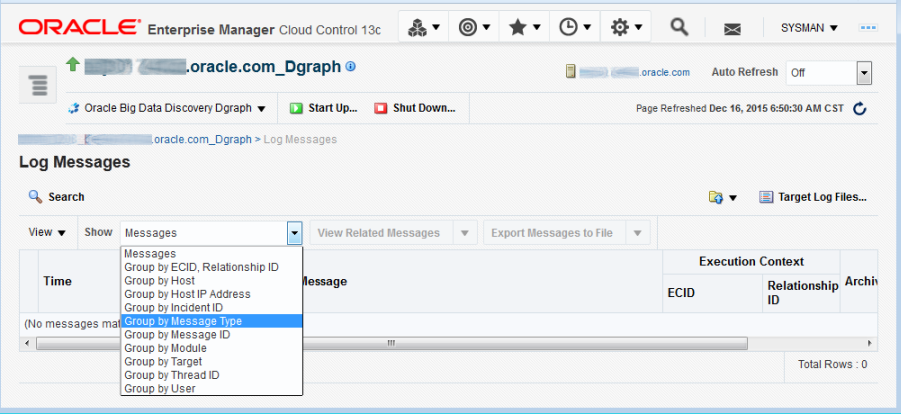
Enterprise Manager provides standard logging controls to list, view, search, and download the log files for the Big Data Discovery targets. You can also group logging messages from each target by host, host IP address, or other parameters.
Viewing log messages
For the Cluster target, to view and search logs for all targets (Cluster, Dgraph, and Studio), select in Enterprise Manager.
For the Dgraph or Studio target, to view and search logs, use the same command for each target.
The Log Messages page displays the standard logging controls for any target in Enterprise Manager, including a Search pane. For example:
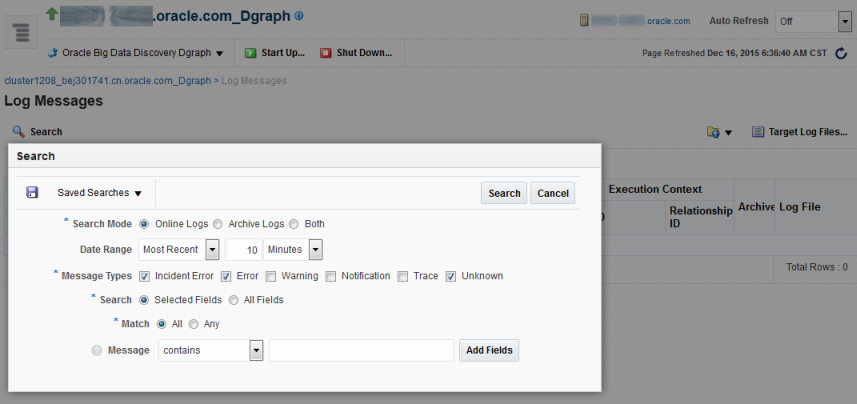
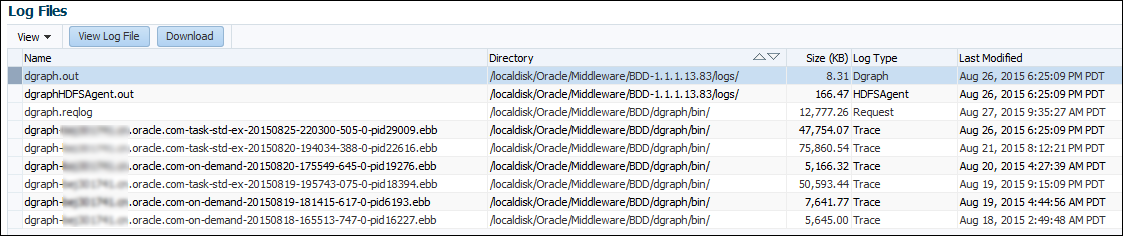
From this page, you can click
Target Log Files to view a list of the logs for
the target and download the logs if desired. For example:
Grouping messages in the log viewer
For all Big Data Discovery targets, you can group log messages.
To group messages by a parameter (such as by message type), in the Log Messages page, select a parameter from the menu. For example: