


|
|
|
|
|
The Cognos Gateway Customization for InForm wizard configures the Cognos 10 BI Gateway services component to work with the InForm application.
Note: You run this wizard to configure a public gateway to be used with the Reporting and Analysis module, or to configure a private gateway with restricted access to the Cognos 10 BI Reporting software.
The Choose Setup Language page appears.
The Cognos 10 BI Welcome Screen appears.
The Cognos 10 BI Installation Location page appears.
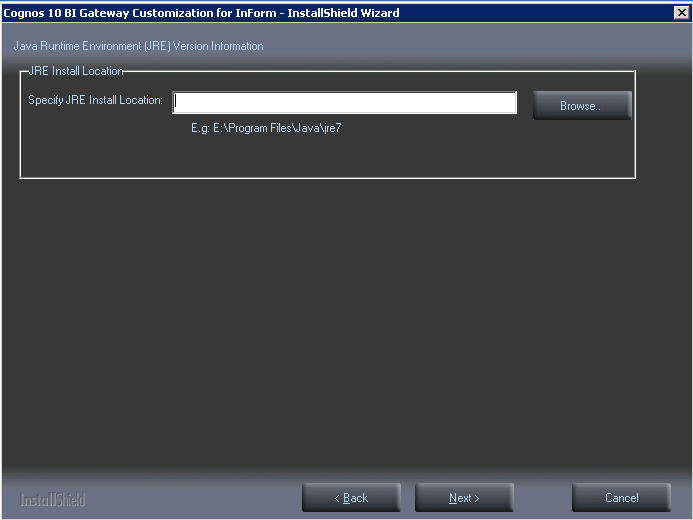
The Java Runtime Environment Information page appears.
The Setup Type page appears.
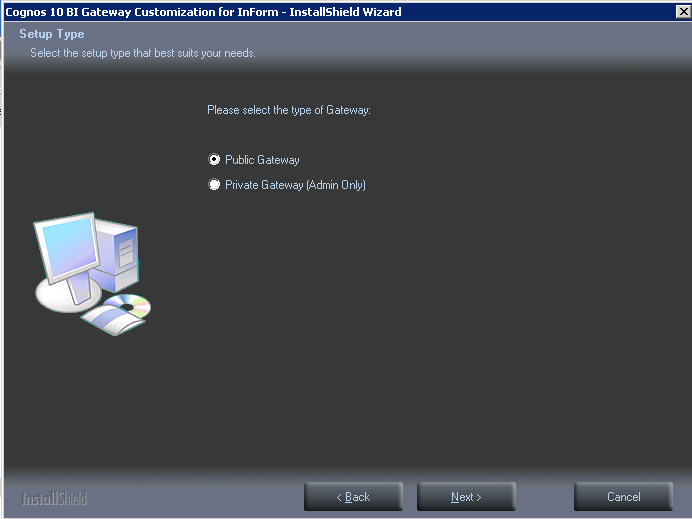
Note: Access to a Private Gateway server should be restricted to a limited group of users who need to administer the Cognos 10 BI Reporting software.
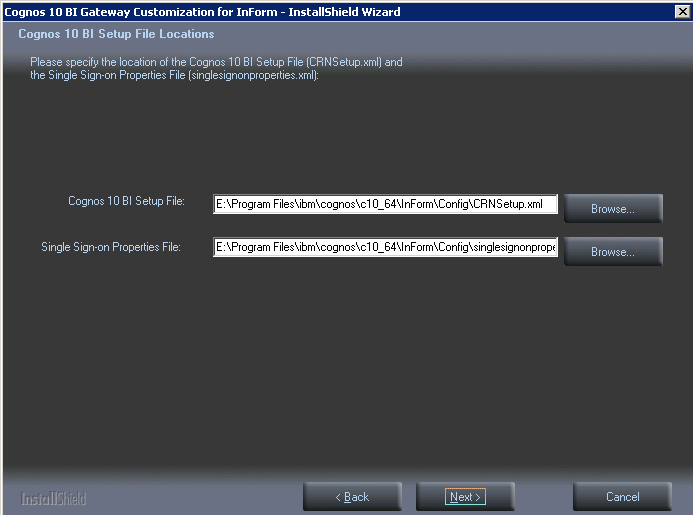
The Cognos 10 BI Setup File Locations page appears.
The Ready to Install the Program page appears.
The Setup Status page appears.
The program installs, and the World Wide Web Publishing Service restarts.
The Wizard Complete page appears.
Copyright © 2014, 2016 Oracle and/or its affiliates. All rights reserved.