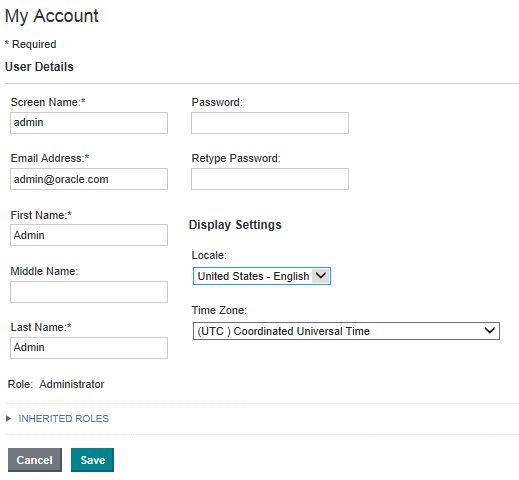
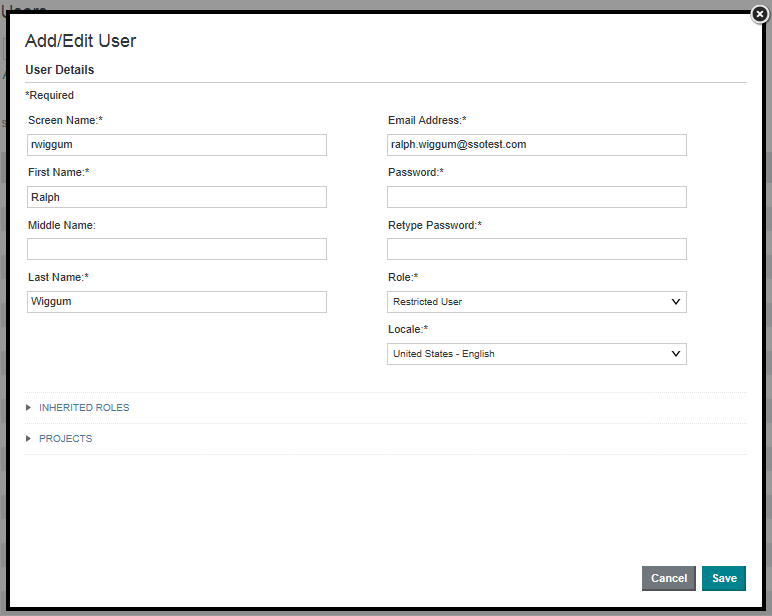
Each user account is configured with a preferred locale. The default value for new users is Use Browser Locale, which indicates to use the current browser locale.
To configure the preferred locale for a user:
-
To display the setting for your own account, sign in to Studio,
and in the header, select
.
-
To display the setting for another user:
-
Locate the user and click
.
-
Locate the user and click
.
