The bookmarks panel displays bookmarks created by the current user for the current project. It also includes any shared bookmarks created by other users.
To display and navigate to bookmarks:
-
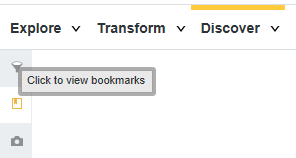
Click the bookmarks icon in the left panel:
The Bookmarks pane displays.Bookmarks you create are listed under My Bookmarks. If you configure a bookmark to be available to other users, it is marked with a shared icon. The Shared Bookmarks list contains shared bookmarks created by other users.
-
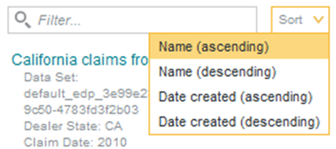
To sort bookmarks, click
Sort at the top of the
Bookmarks pane and select a sort type.
You can sort the list alphabetically by bookmark name, or based on the order that bookmarks were created.