 .
.To access the PMF, follow these steps:
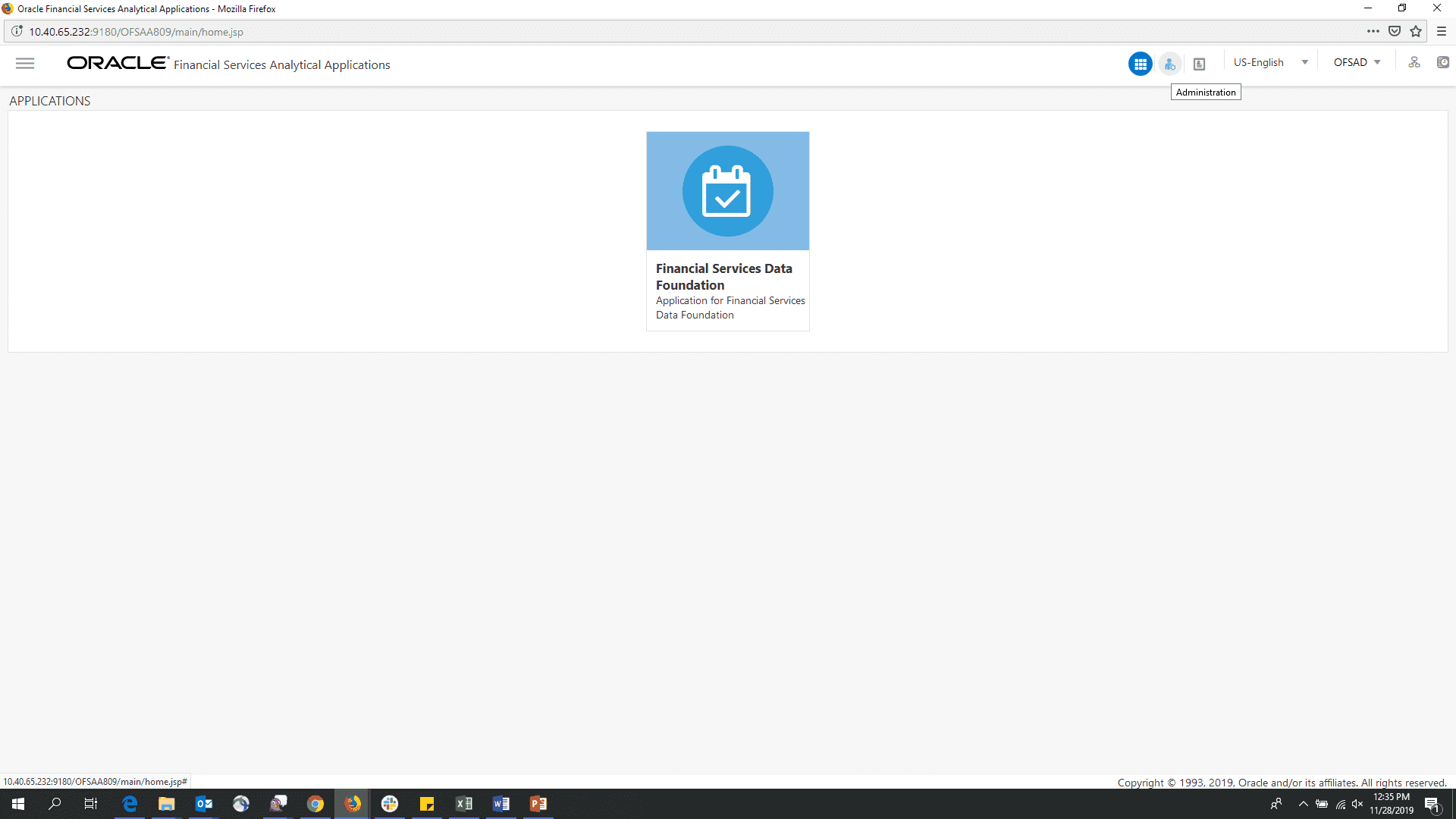
1. Log in to the OFSDF application and select the Administrator icon.
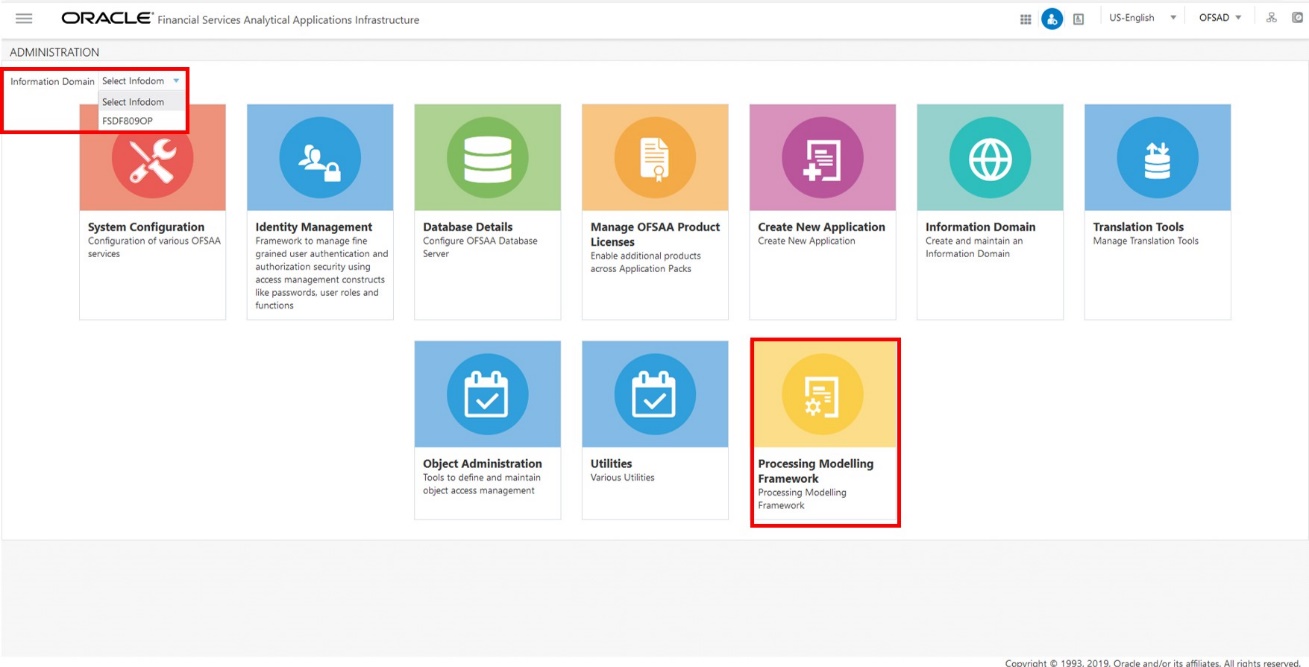
2. In the Information Domain drop-down list, select the required FSDF information domain. Then click the Process Modeling Framework tile.
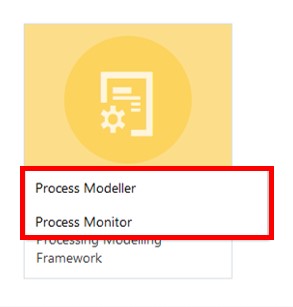
3. A submenu is displayed with the following menu items:
§ To access the Process Modeller, click Process Modeller.
§ To monitor currently running processes, click Process Monitor.