Download the patch 29467329 from My Oracle Support (MOS) and follow the installation steps mentioned in the readme file attached with the patch. To configure and extend the model, follow the steps mentioned in the following sections. For more information, see OFSAA Data Model Extensions through SQL Data Modeler (Doc ID 2521335.1) on My Oracle Support.
NOTE:
Before proceeding with the model customization procedure, take a backup of the DB.xml file, and config and atomic schemas.
Topics:
· Deploying the SQL Data Modeler Configuration Files
Follow these steps to deploy SQL Data Modeler configuration files:
1. Log in to the SQL Developer Data Modeler application.
2. Copy the downloaded file defaultdomains.xml available at <>/OFS_BFND/SQL_Modeler_Conf_Files/types to $fic_home /ficapp/common/FICServer/conf/SQLDM.
3. Rename the defaultdomains.xml file (from the previous step) to OFSAA_DOMAINS_MASTER.xml.
4. Repeat the steps 1 and 2 each time, in case of changes, to the defaultdomains.xml file.
5. Perform the model changes as required.
These are the generic tasks to generate a customized model:
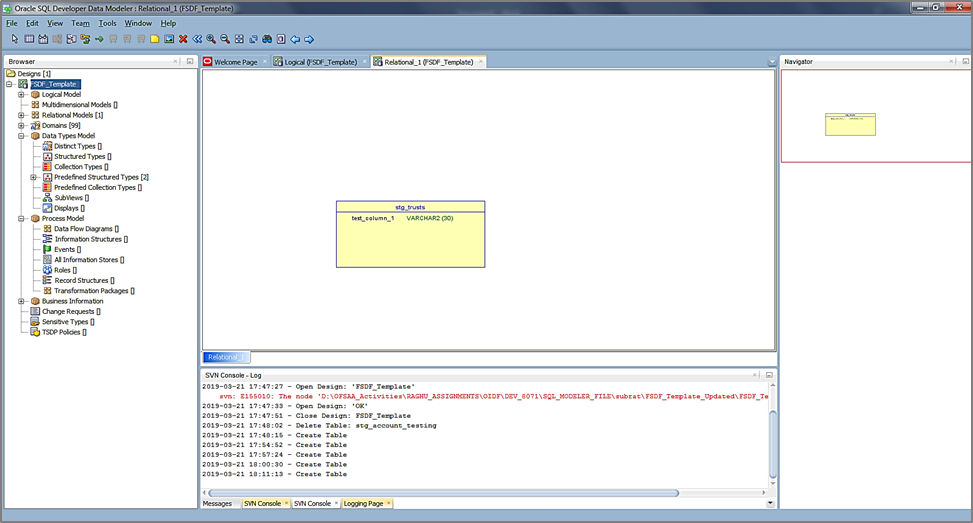
· Add the Custom Column
Figure 8: Add the custom column
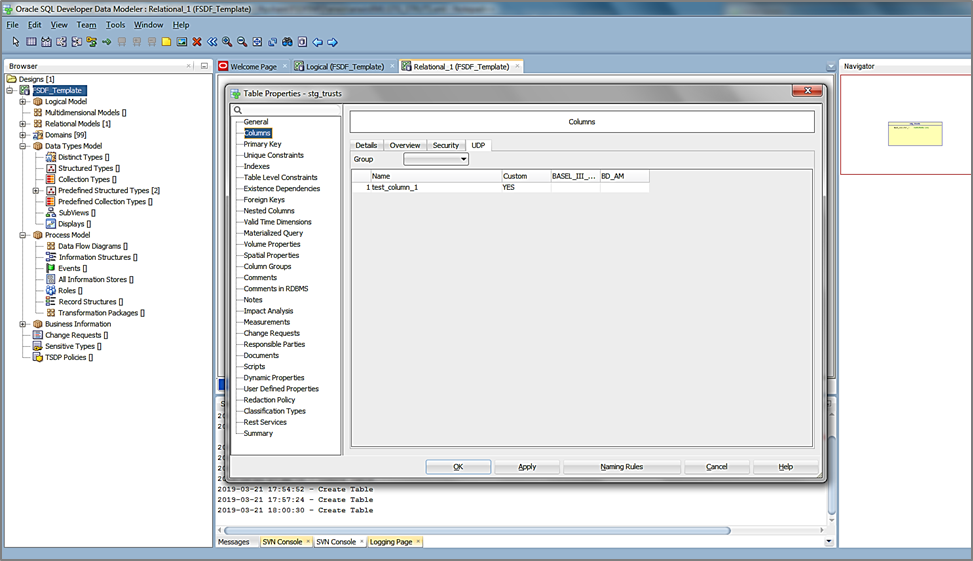
· Set the User-defined property (UDP) for Column to YES.
Figure 9: Set the column UDP to YES
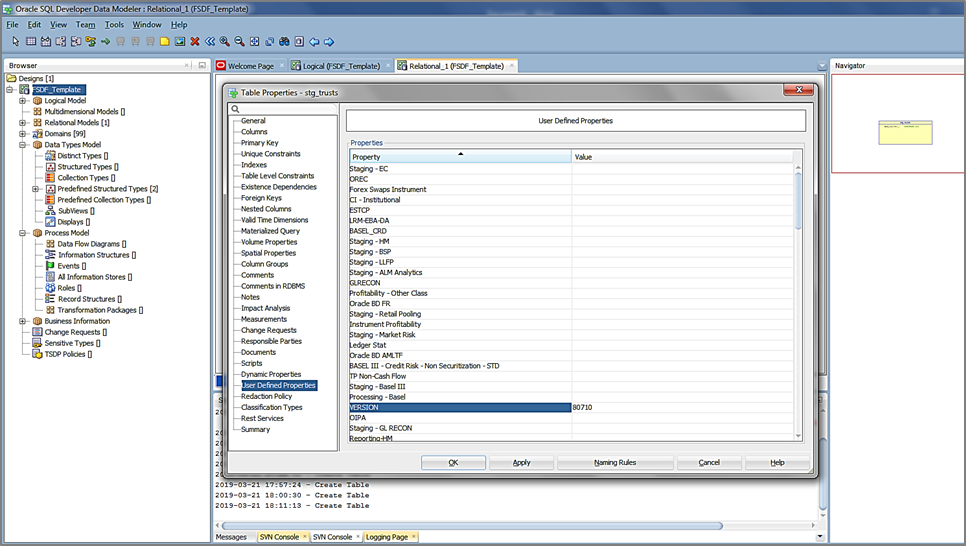
· Set Version UDP value to the current version.
Figure 10: Set Version UDP value to the current version