To download the OFS AGILE RP EBA Application Pack installer Release v8.1.0.0.0, follow these steps:
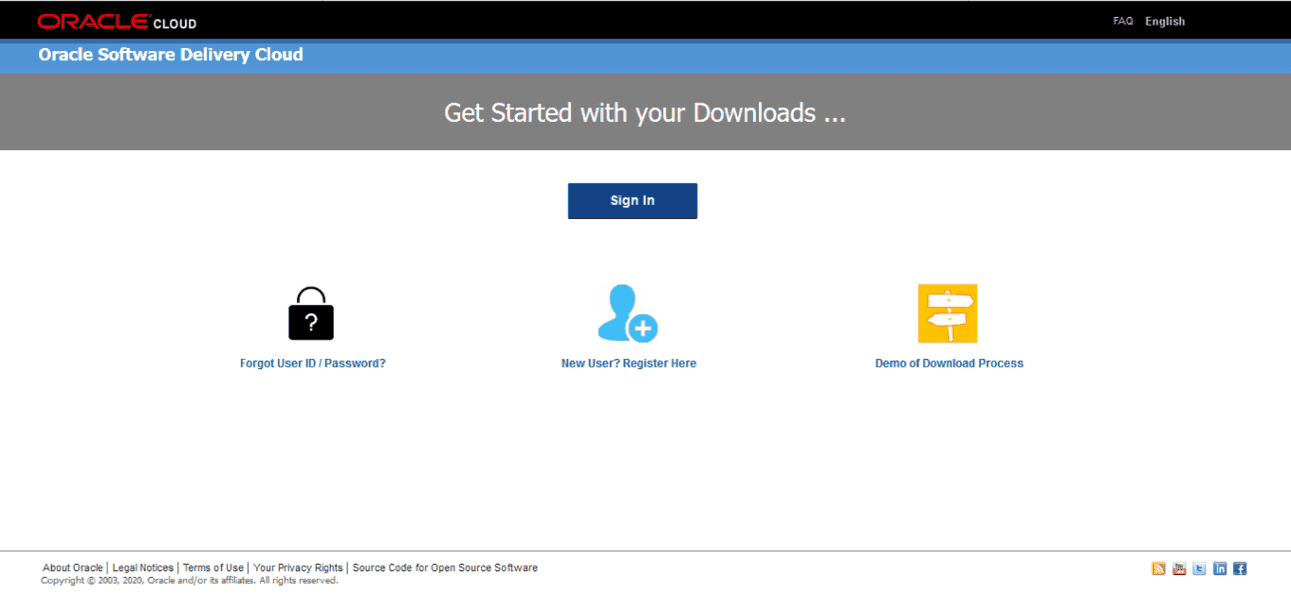
1. Log in to the Oracle Software Delivery Cloud with a valid Oracle account.
Figure 1: Oracle Software Delivery Cloud Login Page
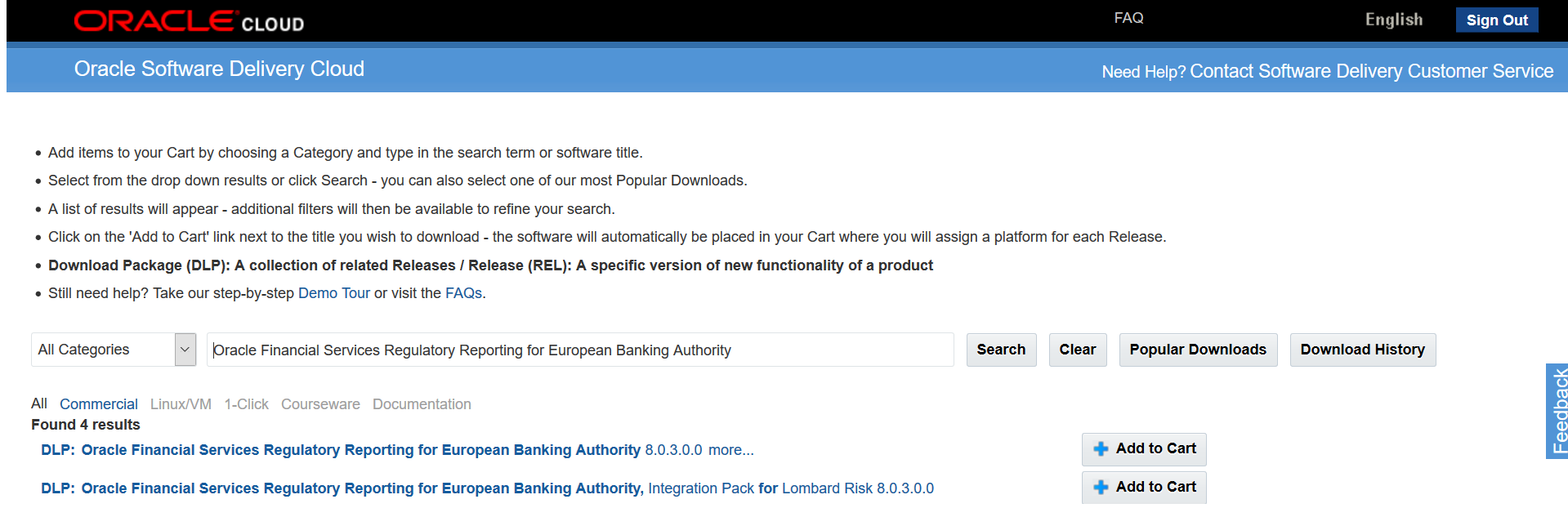
2. Search for the full product name Oracle Financial Services Regulatory Reporting for European Banking Authority and download the installer archive.
Figure 2: Oracle Software Delivery Cloud Page
3. Copy the installer archive into the download directory (in Binary mode) in the setup identified for the AGILE RP EBA Application Pack installation.