Creating Custom Edit Views
Edit views are used to simplify the editing of data that changes frequently, for playing scenarios or to capture last minute information. The saved views can be selected from the Available Views list.
To create edit views:
-
In an open model, from
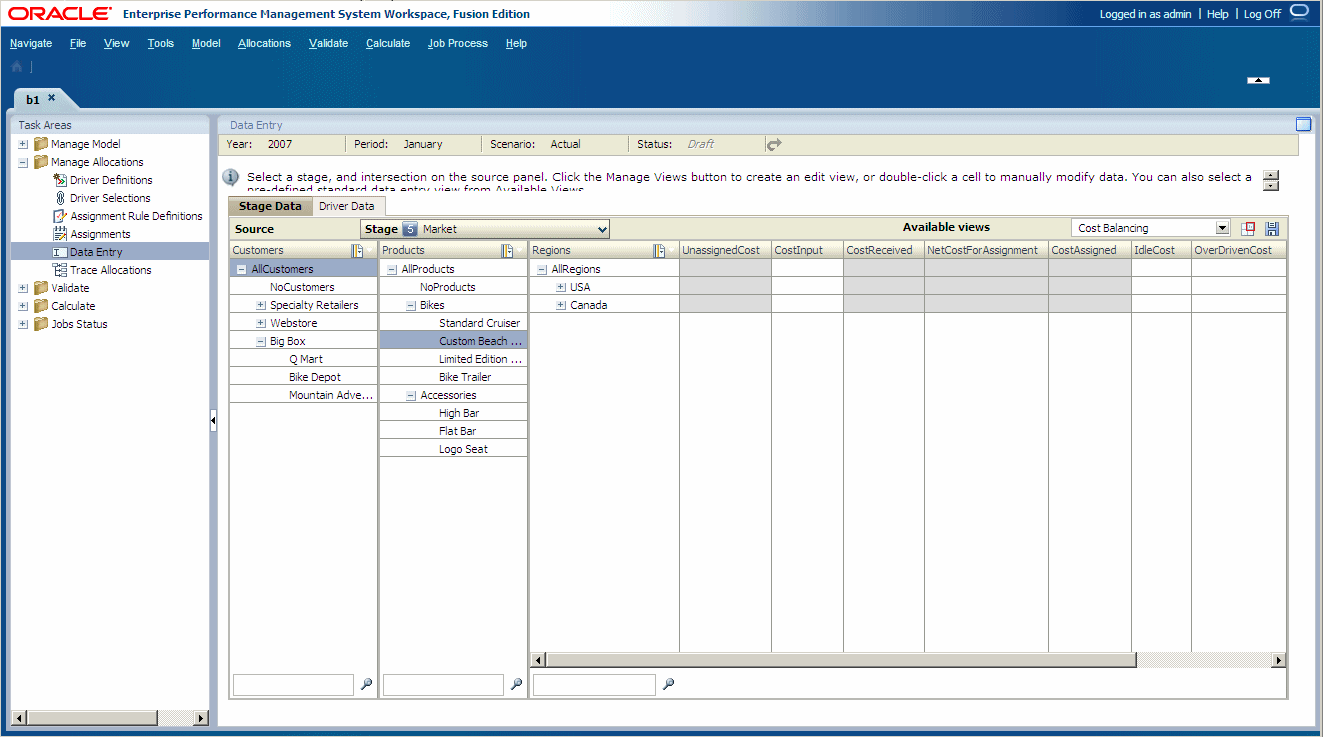
Task Areas, select Manage Allocations, then Data Entry.The Data Entry screen is displayed.
-
Select the POV for the data to be modified, then click
Go
 .
.
-
On the
Stage Data
tab, click
Manage Views
 .
.
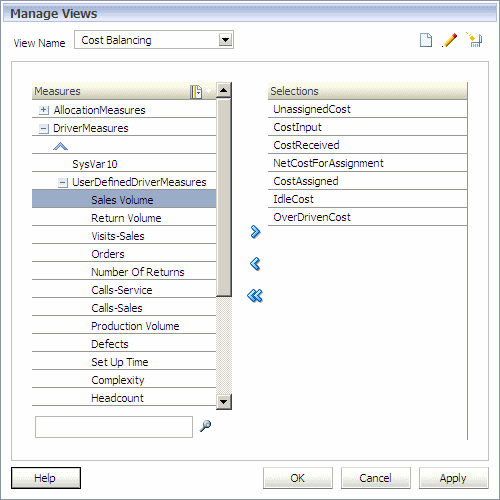
The Manage Views dialog box is displayed.
-
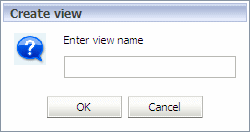
Click
Add
 .
.
-
Under
Measures, select one or more measures that are to be included in this view, and then click
Add
 to move the measures to the
Selection list.
to move the measures to the
Selection list.