Generating the Driver Data Report
Use the Data Driver report to document, confirm, and update the driver data that has been entered into the model. In order to generate the Driver Data report, the database must be deployed, and data loaded, although the data load is optional
You must run separate reports for cost and revenue data. If corrections are required, you may change the model structure in Oracle Hyperion Profitability and Cost Management, or directly edit the data in Oracle Essbase, or Microsoft Excel.
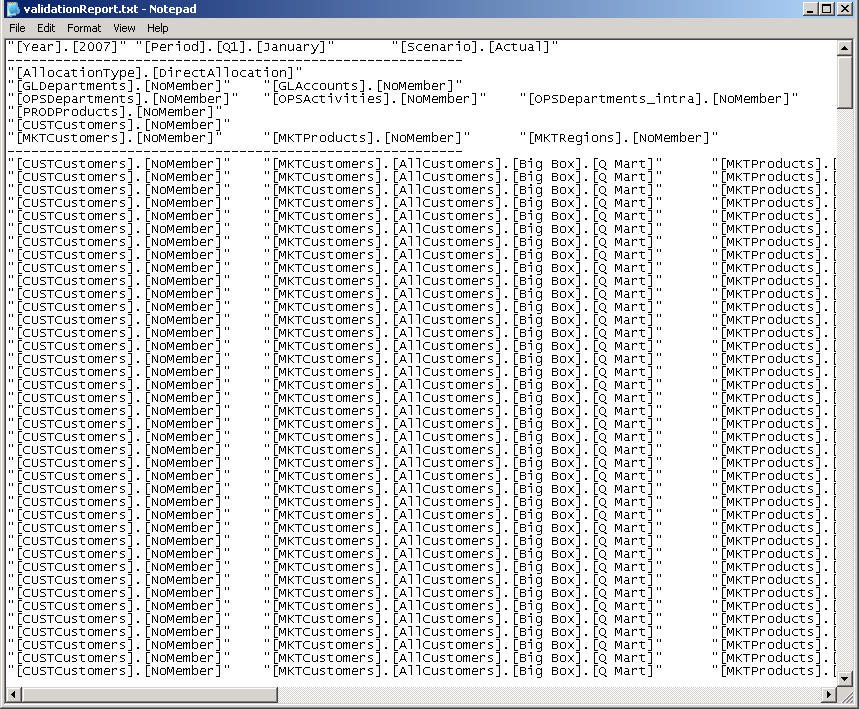
A log file is automatically generated when the Driver Data Report is run to record any errors and warnings. The file,
validationReport.txt, is saved in the home directory of the user who is running the
Profitability and Cost Management
application server.
To generate Driver Data reports:
-
In an open model, from
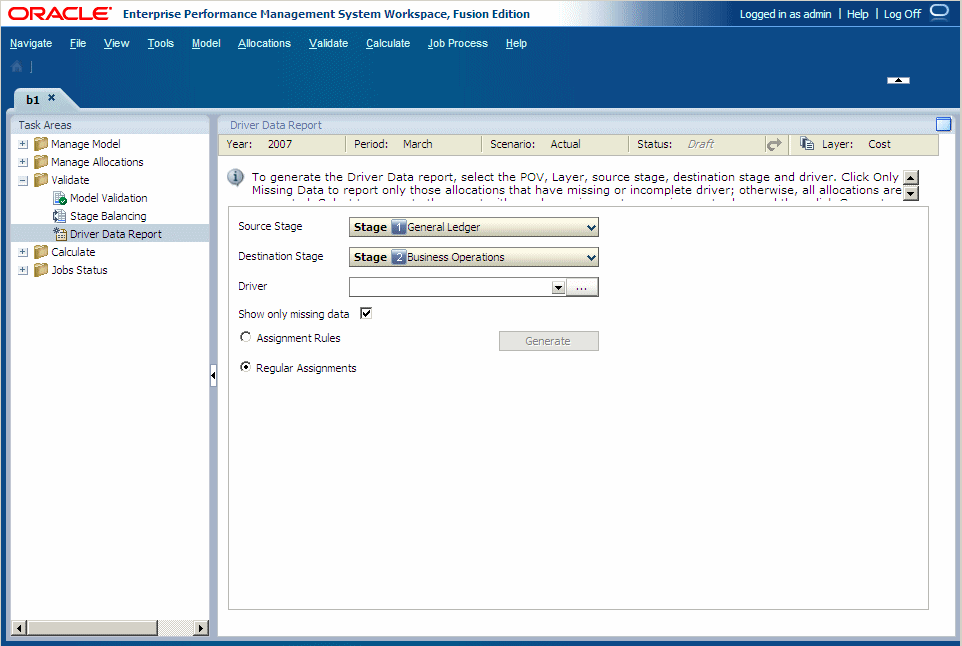
Task Areas, select Validate, then Driver Data Report.The Driver Data Report screen is displayed.
-
Select a POV for the selected model, and then click
Go
 .
.
-
From
Driver, select the driver for which you want to validate data.
If required, click Selector
 and choose the driver from the Select Driver dialog box.
-
Navigate to the
validationReport.txt
file, and review the report.