Viewing Taskflow Information
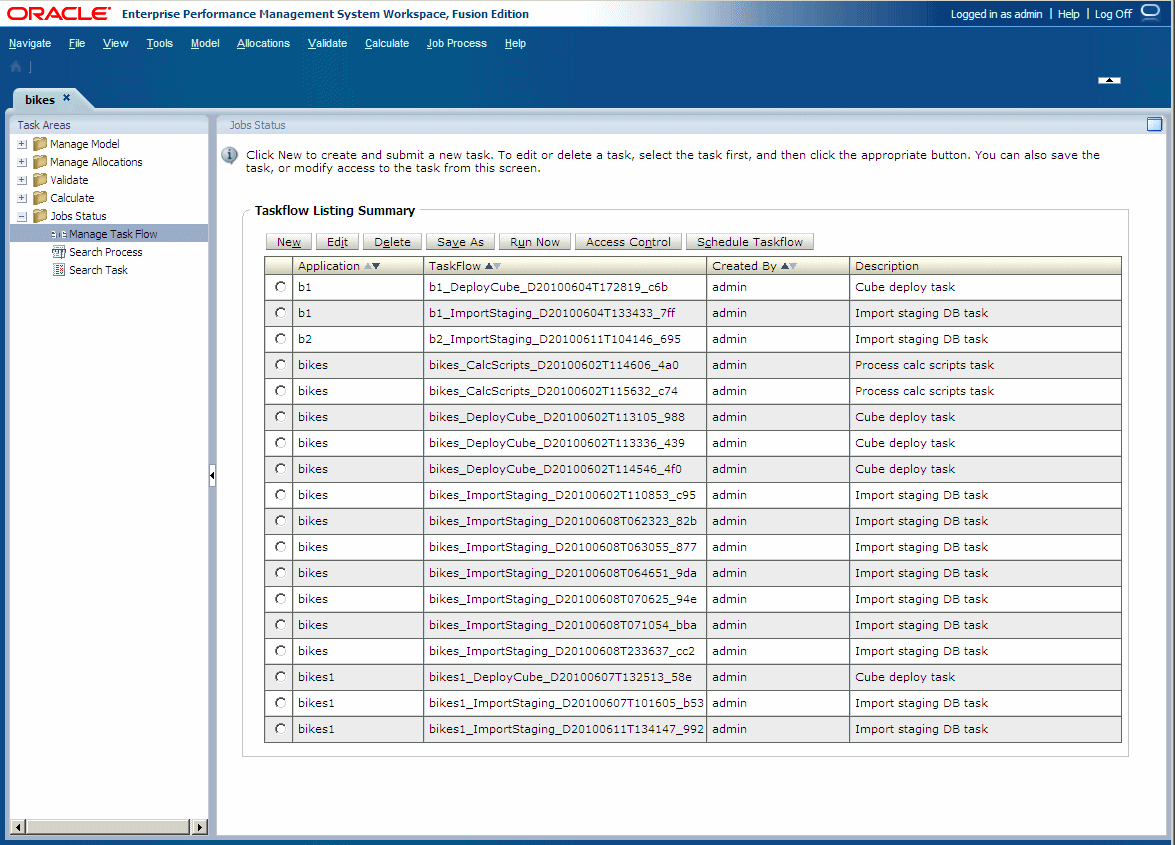
The Taskflow Listing Summary shows the existing taskflows for the selected application, and provides basic details for each one.
To view taskflow information:
-
In an open model, from
Task Areas, select Jobs Status, then Manage Task Flow.The Taskflow Listing Summary screen is displayed.
The Summary displays this information for each taskflow that exists for the selected application:
-
Application displays the application name.
-
Taskflow displays the generated taskflow number.
For example, the generated taskflow number may be displayed as HPM_ImportStaging_382728be43623bc2, where HPM is the product name, Import Staging is the task, and 382728be43623bc2 is the generated application instance ID.
-
Created By displays the ID of the user who created the taskflow.
-
Description provides a brief explanation of the task.
-