Assigning Default Discussion as a Related Content Tile
To assign default discussion as a RC tile, perform the following:
Navigate to PeopleTools, Portal, Related Content, Manage Related Content.
Select the Cref to which you need to assign the discussion service.
Assign the Service ID: EOFD_DEFAULT_DSCN under Component Level Related Content.
Update the Service label.
Click on Configure button to configure the service. For parameters EOFD_COMPONENT & EOFD_MARKET, choose mapping type as System Variable and mapping data as %Component and %Market respectively.
Select Security options as Related Content Provider Security.
Click Ok. Save the configuration details.
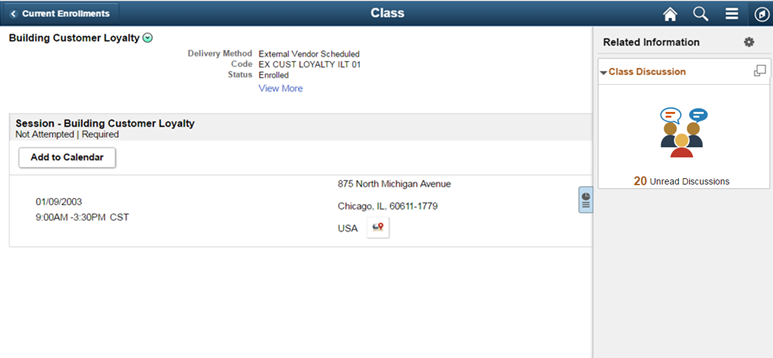
Image: Class Page
This example illustrates the fields and controls on the Class page.