Create Interest Pricing
Navigation Path: Supply Chain Finance > Maintenance > Interest > Interest Pricing > Create

Specify the following details:
|
Field Name |
Description |
|
Pricing Id |
Unique identification code for the pricing. |
|
Pricing Description |
Description of the Interest Pricing. |
|
Rate Type |
Use the toggle button to specify the interest rate as fixed or floating. |
|
Rate Code |
Select the rate code. |
|
Rate Tenor |
Enter the tenor of the pricing rate. This is only applicable for floating rate type. |
|
Rate |
Enter the interest pricing rate |
|
Rate Code Usage |
Use the toggle button to specify the usage of rate as auto or periodic. |
|
Rate Revision Frequency |
For the periodic rate, specify the frequency of the same. |
|
Tier Based Spread |
Use the toggle button to specify whether the rate is tier based or not. |
|
Tier Type |
For tier based rate, select the tier type. |
|
Spread |
This is only applicable when the rate is not tier based. Enter the spread value. |
Click Save to create new pricing.
View or Edit Interest Pricing
Navigation Path: Supply Chain Finance > Maintenance > Interest > Interest Pricing > View
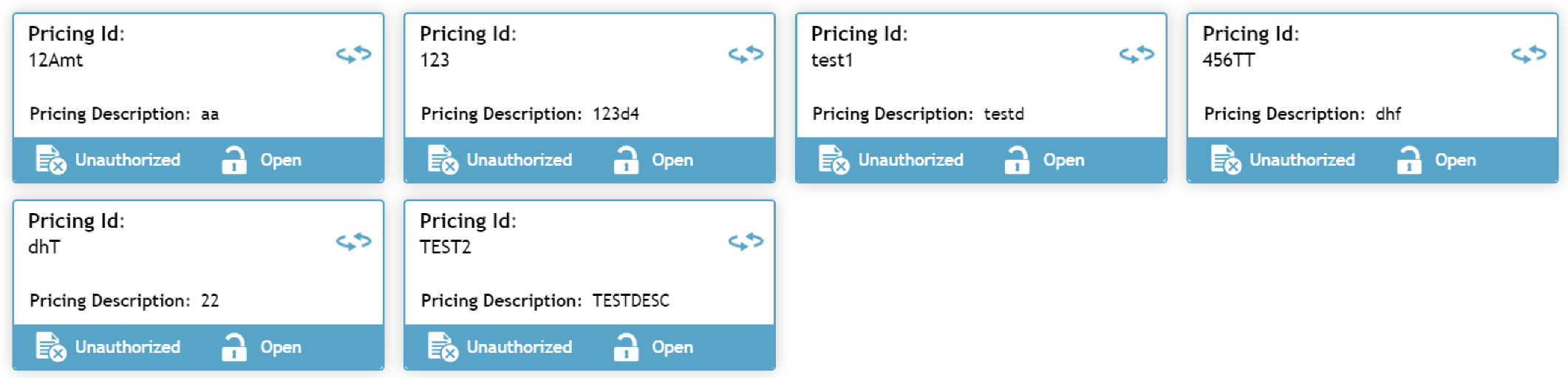
Click on the Pricing Id to view its details.
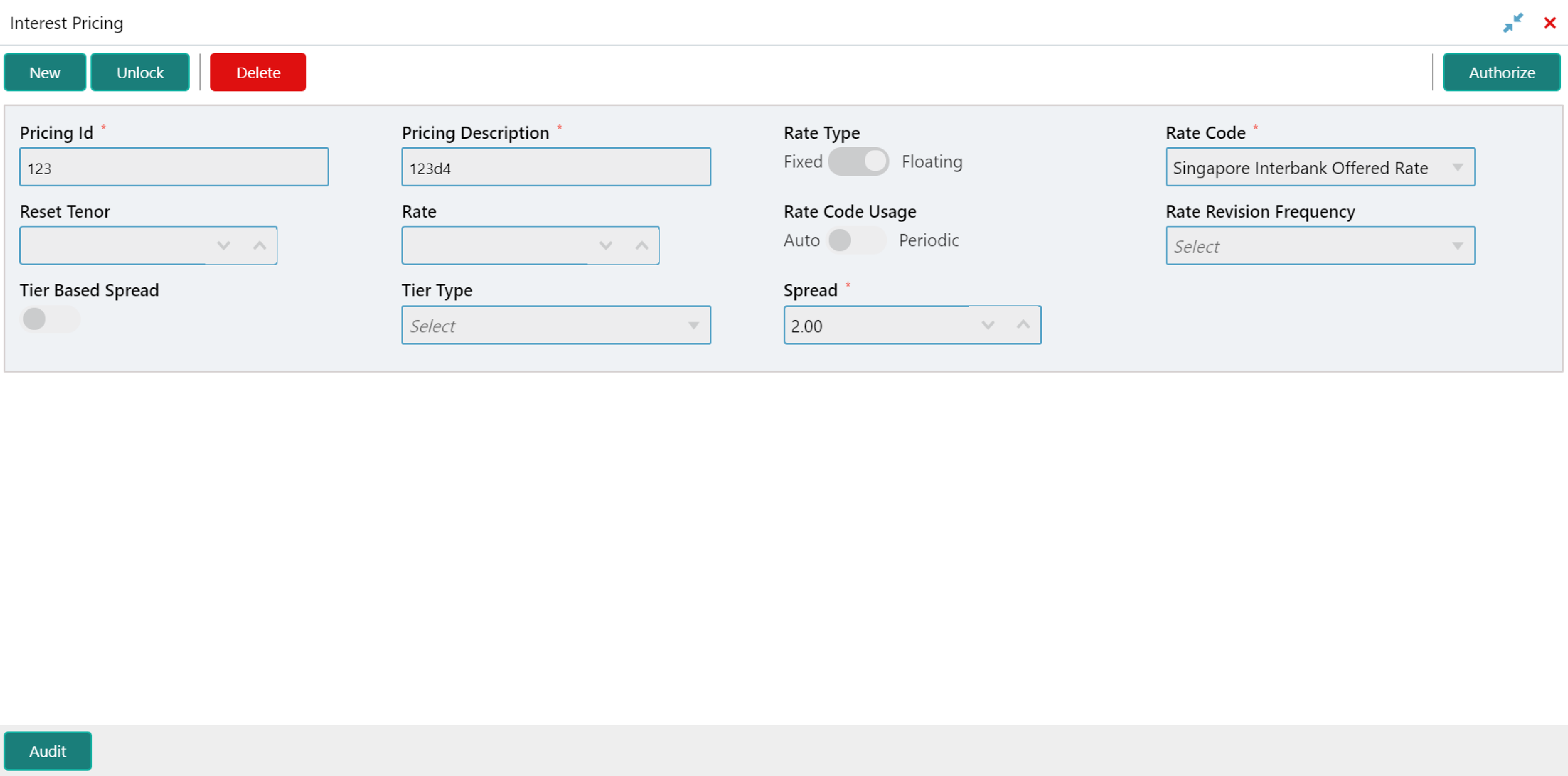
Click Unlock to edit the details.