Managing Interest Rate Decisioning
Create Interest Rate Decisioning
Navigation Path: Supply Chain Finance > Maintenance > Interest > Interest Rate Decisioning > Create

Specify the following details:
|
Field Name |
Description |
|
Product |
Select the product to create the rate decisioning for. |
|
Effective Date |
Click the Calendar icon to select the date from when the rate decisioning is effective. |
|
Expiry Date |
Click the Calendar icon to select the date when the rate decisioning is expired. |
|
Filter Criteria |
Select the filter criteria for the rate decisioning. |
|
Interest Pricing |
Select the Interest Pricing to be considered for the rate decisioning. |
Click Save to create new interest rate decisioning.
View or Edit Interest Rate Decisioning
Navigation Path: Supply Chain Finance > Maintenance > Interest > Interest Rate Decisioning > View
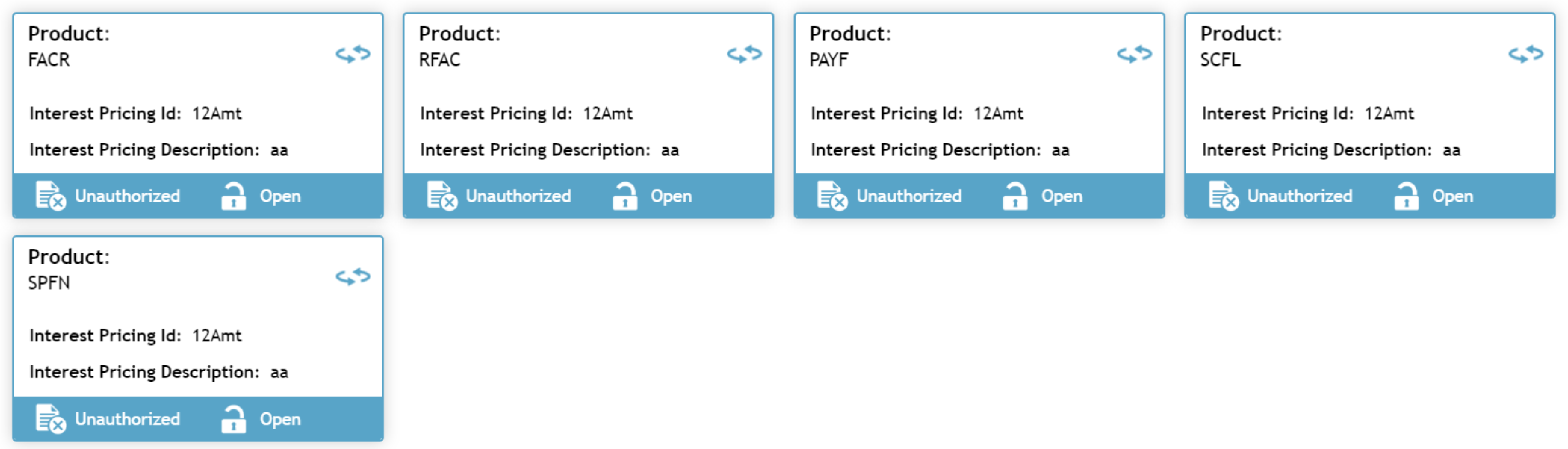
Click on the Product to view or edit the interest rate decisioning for.
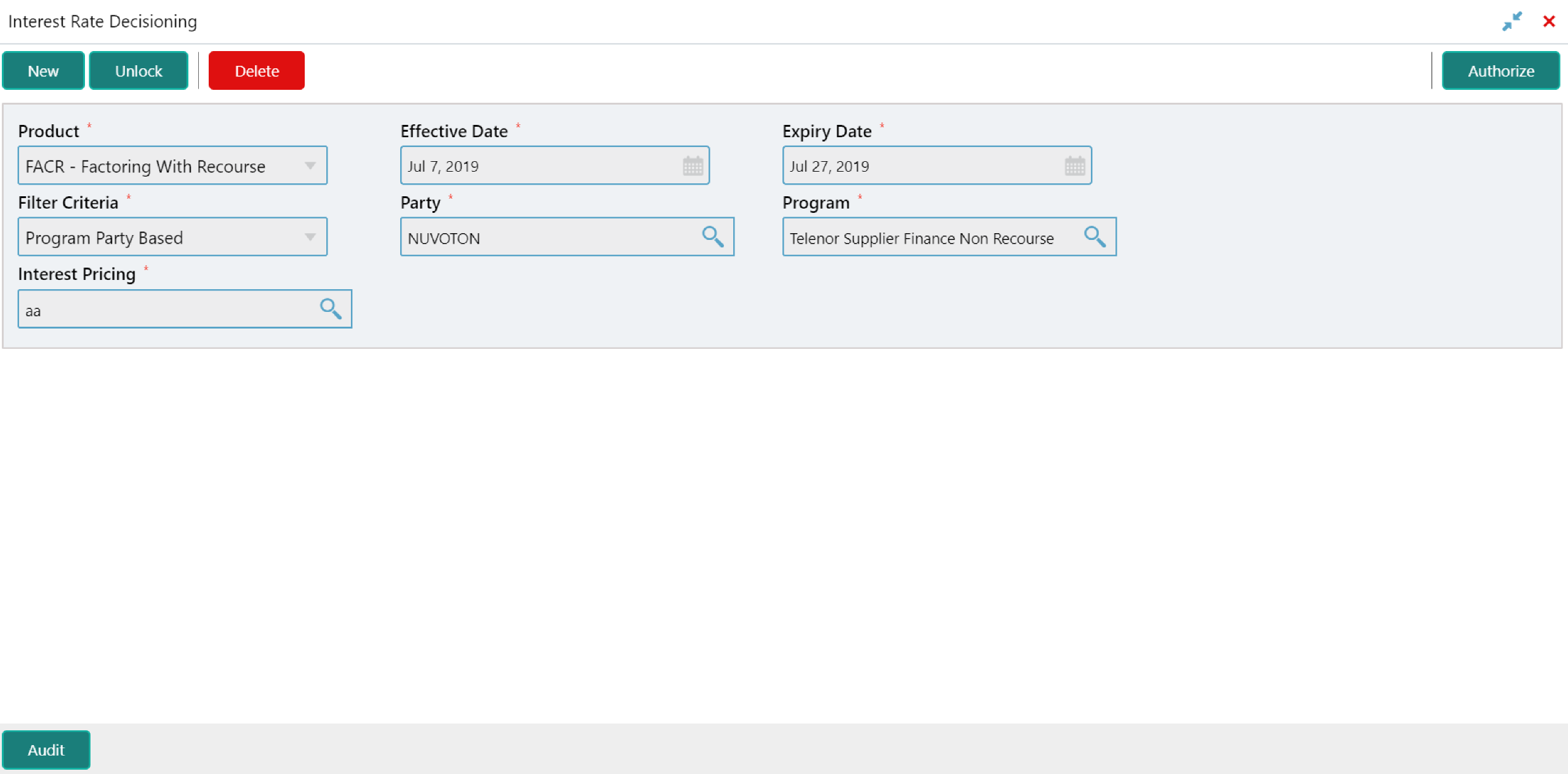
Click Unlock to edit the details.