|
|
Copyright © 1996, 2009, Oracle and/or its affiliates. All rights reserved.
The Programs (which include both the software and documentation) contain proprietary information; they are provided under a license agreement containing restrictions on use and disclosure and are also protected by copyright, patent, and other intellectual and industrial property laws. Reverse engineering, disassembly, or decompilation of the Programs, except to the extent required to obtain interoperability with other independently created software or as specified by law, is prohibited.
The information contained in this document is subject to change without notice. If you find any problems in the documentation, please report them to us in writing. This document is not warranted to be error-free. Except as may be expressly permitted in your license agreement for these Programs, no part of these Programs may be reproduced or transmitted in any form or by any means, electronic or mechanical, for any purpose.
If the Programs are delivered to the United States Government or anyone licensing or using the Programs on behalf of the United States Government, the following notice is applicable:
U.S. GOVERNMENT RIGHTS Programs, software, databases, and related documentation and technical data delivered to U.S. Government customers are "commercial computer software" or "commercial technical data" pursuant to the applicable Federal Acquisition Regulation and agency-specific supplemental regulations. As such, use, duplication, disclosure, modification, and adaptation of the Programs, including documentation and technical data, shall be subject to the licensing restrictions set forth in the applicable Oracle license agreement, and, to the extent applicable, the additional rights set forth in FAR 52.227-19, Commercial Computer Software--Restricted Rights (June 1987). Oracle USA, Inc., 500 Oracle Parkway, Redwood City, CA 94065.
The Programs are not intended for use in any nuclear, aviation, mass transit, medical, or other inherently dangerous applications. It shall be the licensee's responsibility to take all appropriate fail-safe, backup, redundancy and other measures to ensure the safe use of such applications if the Programs are used for such purposes, and we disclaim liability for any damages caused by such use of the Programs.
Oracle is a registered trademark of Oracle Corporation and/or its affiliates. Other names may be trademarks of their respective owners.
The Programs may provide links to Web sites and access to content, products, and services from third parties. Oracle is not responsible for the availability of, or any content provided on, third-party Web sites. You bear all risks associated with the use of such content. If you choose to purchase any products or services from a third party, the relationship is directly between you and the third party. Oracle is not responsible for: (a) the quality of third-party products or services; or (b) fulfilling any of the terms of the agreement with the third party, including delivery of products or services and warranty obligations related to purchased products or services. Oracle is not responsible for any loss or damage of any sort that you may incur from dealing with any third party.
Table of Contents:
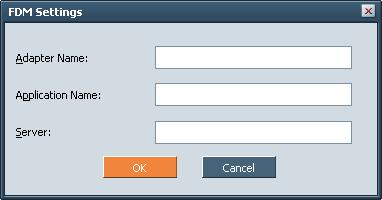
Oracle Hyperion Financial Data Quality Management, Fusion Edition (FDM) is an out-of-the-box data transformation tool providing source-level financial data to consolidation, reporting, planning, and analytical applications. By providing an audit trail to source financial data, helping to ensure data integrity and mapping consistency that enables easy reconciliation of financial data.
Oracle Hyperion Strategic Finance, Fusion Edition uses FDM as a data-import source—so you can create Strategic Finance financial models based on any data source open to FDM:
ERP systems
Flat files
Relational database systems
Microsoft Excel
FDM provides a systematic process for loading source data from disparate systems into target analytical applications. The process provides data visibility, integrity, and verification.
FDM benefits:
Acting central repository of all source financial data
Drill-down audit trail
Ability to archive source files, error logs, and load files
Internal control assessment and certification feature aids in compliance with sections 302 and 404 of the Sarbanes-Oxley Act
Corporate-wide process monitoring
Ability to import source data from any formatted text file or data source
Ability to map and validate multiple dimensions
Data validation and quality checking
Error identification and notification
Validation and reporting on target systems
Load adjustment capability through Excel journals
Budget data loading for multiple periods
Advanced reporting and audit functions
Quick batch loading
Support for unlimited concurrent users
Zero footprint Web deployment
SQL Server and Oracle database support
You can right-click a cell containing data imported through FDM and use the Audit Intersection option to find the data source. Cells with data imported through FDM are marked with a magenta tick mark in the lower-right corner. Audit Intersection launches a web browser accessing FDM, where you can find details about the data load, data mapping, and drill into the source.
Crystal Ball, a suite of Microsoft® Excel-based applications, harnesses and extends the analytical power of spreadsheets. With Crystal Ball, you can run Monte Carlo simulations on Strategic Finance financial models. Monte Carlo simulations apply statistical sampling techniques to data, applying random numbers within a defined level of tolerance to simulate unknown business risks. Monte Carlo simulation is available only for implementations using both Strategic Finance and Crystal Ball.
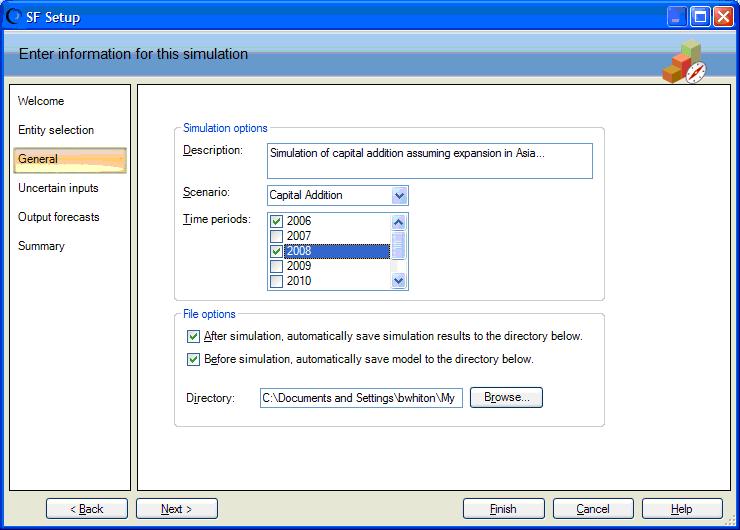
In Excel, you access the HSF-Crystal Ball plug-in by selecting Run/Tools > Strategic Finance Setup to start a wizard, which you use to selectStrategic Finance entities and accounts for randomizing:
When the process completes, Crystal Ball loads the Strategic Finance data into a worksheet, from which you perform Monte Carlo simulations:
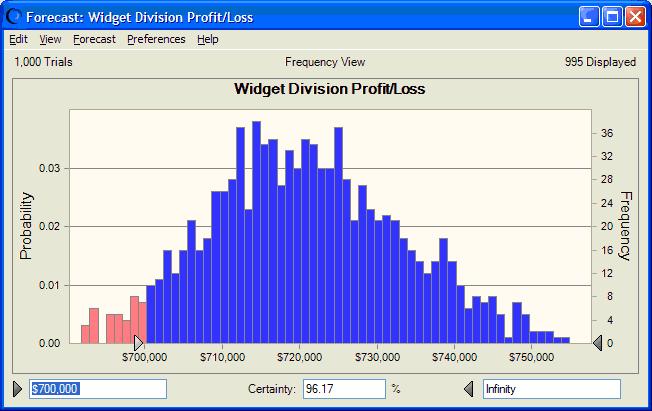
The results are stored in result files and made available for use in Crystal Ball reporting tools. Result files can also be accessed through the Strategic Finance client.
The @isfirstforeyr function is available in Formula Builder:
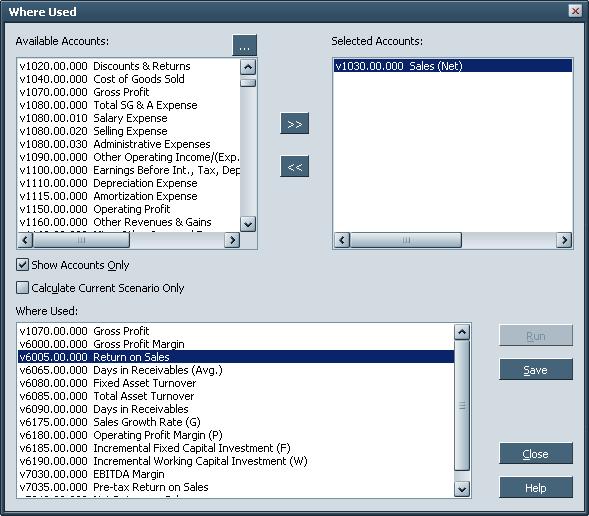
Where Used is a forward audit trail to help you understand the potential model modifications. You select accounts and calculate all scenarios, and Where Used tracks which other accounts use the selected accounts.
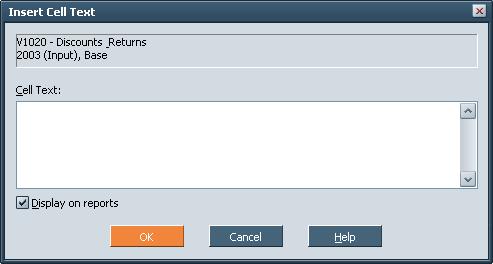
You use Cell Text to create notes on cells or accounts. Cell Text notes are specific to a selected cell-scenario or account-scenario combination. Notes are indicated by red tick marks in the upper-right corner of cells. Cell Text in reports.
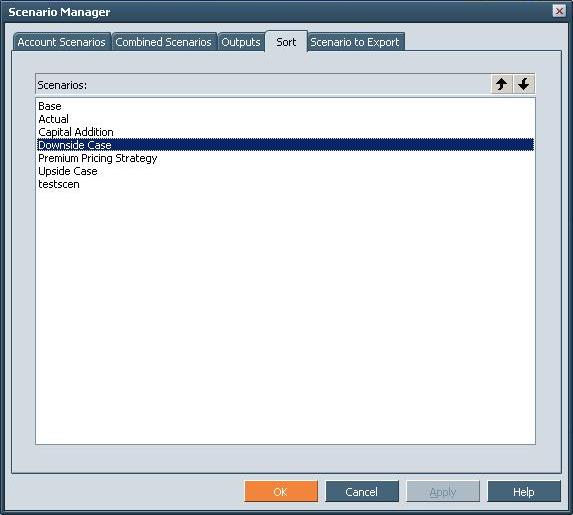
The Scenario Manager—Sort tab enables you to reorder the scenarios listed in the Scenarios list of the Accounts tab.
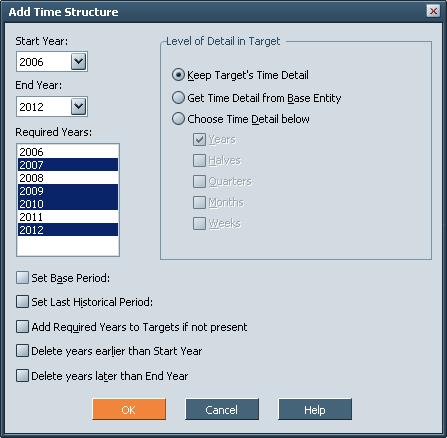
In Entity Change Manager, the Add Time Structure dialog box selects multiple years in the Required Years box.
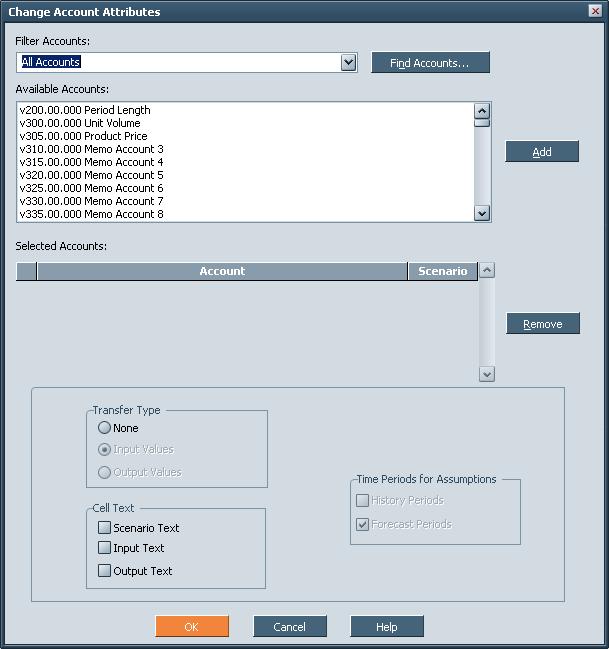
These enhancement have been made to Assumptions Change Manager.
The Change Account Attributes dialog box enables copying Cell Text notes between entities.
The Strategic Finance server now performs all check-in processing in the background, enabling you to continue working on other models.
Note:
With the background check-in process, the Calculation process bar no longer appears, but all calculations are still performed, and a dialog appears to confirm calculation when check-in is complete.
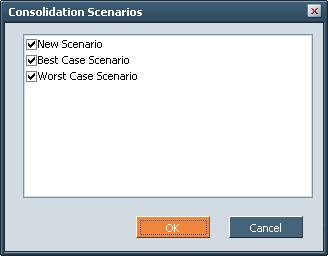
For consolidations with multiple scenarios, you use the Run Multiple option to access the Consolidation Scenarios dialog box and run consolidator for multiple target scenarios, simultaneously. A dialog box appears to report when the consolidation is complete.
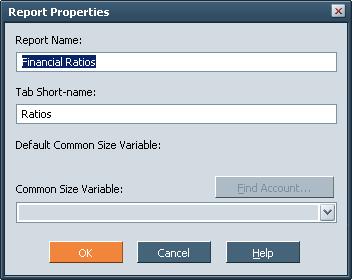
You can double-click a reports tab as a shortcut to the Report Properties dialog box.
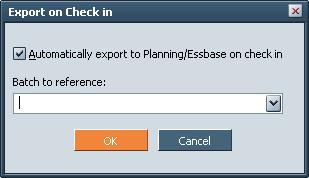
For implementations exporting fromStrategic Finance to Oracle Essbase or Oracle Hyperion Planning, Fusion Edition, there is an option for triggering the export whenever an exported entity is checked in to the Strategic Finance server. To use automatic export, batches and maps must be set up for export.
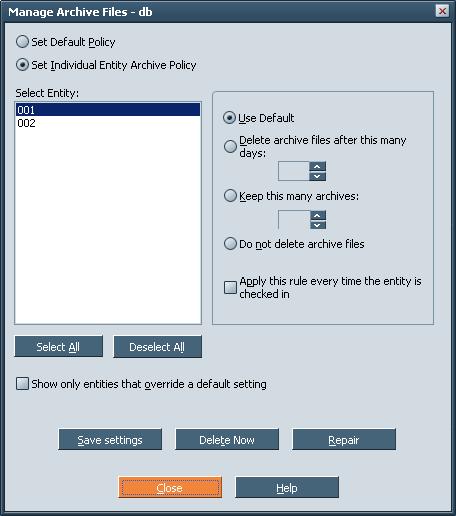
Automatic purge of entity archives enables an administrator to configure theOracle Hyperion Strategic Finance, Fusion Edition server to purge older archives stored on the server. On the Manage Archive Entity Files dialog box, the “Apply this rule every time the entity is checked in option” enables the automatic purging of entity archives according to the selected policy.