To download the OFS BSP Application Pack Installer Release v8.1.0.0.0, follow these steps:
1. Log in to the Oracle Software Delivery Cloud with a valid Oracle account.
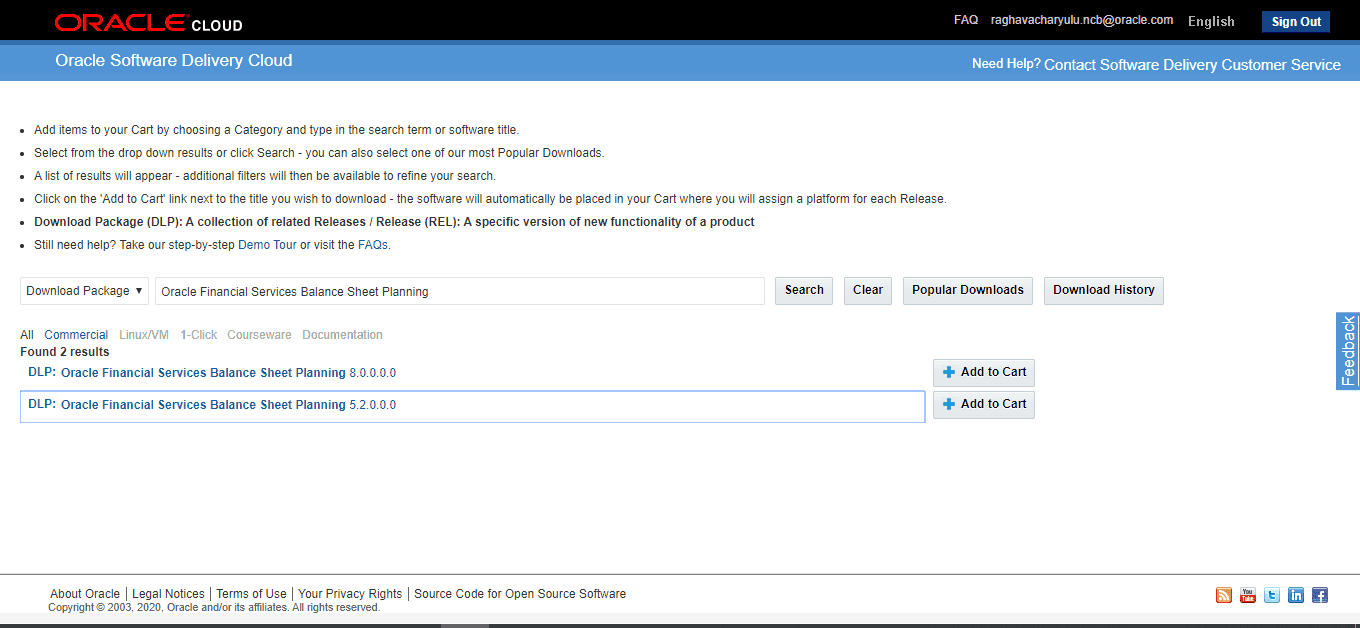
2. Search for the full product name Oracle Financial Services Balance Sheet Planning Application Pack and download the installer archive.
Figure 5: Oracle Software Delivery Cloud Page
3. Download the installer archive and copy (in Binary mode) to the download directory in the setup identified for OFS BSP Application Pack installation.
4. Download the following mandatory OFS AAI patches:
§ ID 31545589 (Access to features owing to the additional license functionality that gets installed through the OFS AAI Extension Pack)
§ ID 31605076 (For pack-on-pack installation on new atomic schema).
5. Download the following erwin data model from My Oracle Support:
§ OFS BSP erwin data model: Patch ID 31538821.
NOTE |
Data model patches are now released at granularity of each application. This is in contrast to the strategy followed for OFS BSP Applications Pack 8.0.x releases, where data model patches were only released at pack level. Customers must download the data models as per the applications licenses they hold and merge with the custom data model. · Installer will only upload the data model of the selected applications. Data models of the unselected or unlicensed applications will not be uploaded, that is data model upload is skipped for the unselected or unlicensed applications. · Installer will only execute the installer scripts of the selected applications. Scripts of the unselected or unlicensed applications will not be executed and are skipped. · If all applications in the pack are selected, then the installer handles both the data model upload and the installation scripts execution. |