Before accessing the OFSAA application ensure that your internet settings are configured.
To access the OFSAA application, follow these steps:
Open a browser and enter the URL in the following format:
<scheme>://<IP address/ hostname>:<port>/<context-name>/login.jsp
For example, https://192.0.2.2/ofsaa/login.jsp
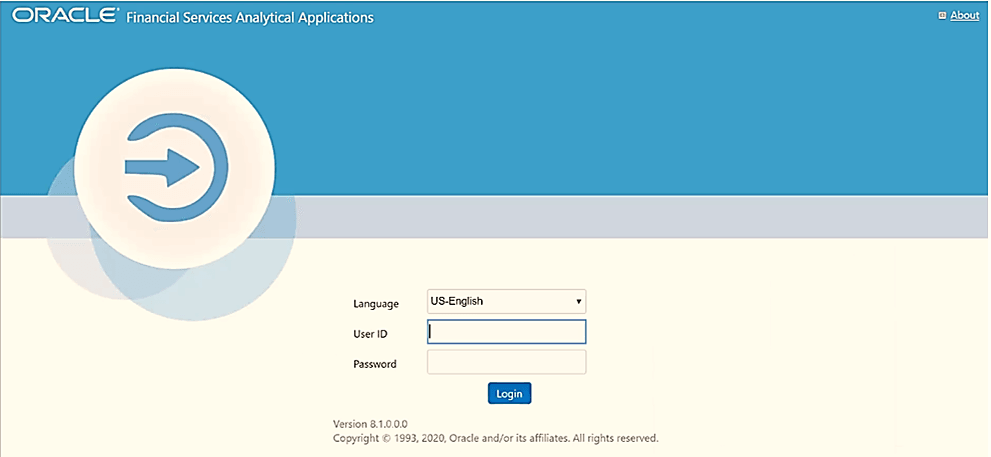
The OFSAA Login window is displayed.
Figure 16: OFSAA Login Window
With the installation of every OFSAA Application Pack, there are two seeded user profiles configured in the system:
SYSADMN System Administrator
SYSAUTH System Authorizer
The SYSADMN and SYSAUTH users are configured with a default password, which you will require to login for the first time. See the MOS Doc ID: 2691681.1 for the password.
Log in to the application using the "SYSADMN" User ID and the default password. After the first login, you are prompted to change the password.
ATTENTION |
The password change is required only for a new installation scenario and not for upgrade scenarios. |