To download the OFS Data Integration Pack Installer Release 8.1.0.0.0, follow these steps:
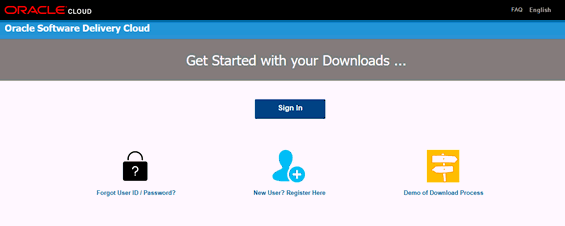
1. Log in to the Oracle Software Delivery Cloud (OSDC) with a valid Oracle account.
Figure 4: OSDC Login Window
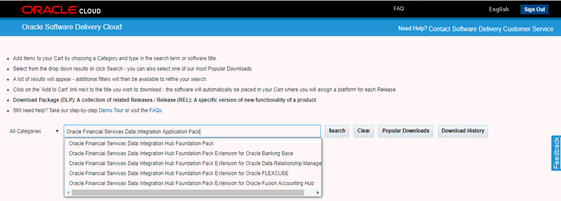
2. Enter Oracle Financial Services Data Integration Application Pack in the search box.
Figure 5: OSDC - Search Results
3. Download the installer archive and copy (in Binary mode) to the download directory that exists in the OFS DI installation setup.
4. Download the following mandatory one-off patches from My Oracle Support into the download directory that exists in the OFSAAAI installation setup.
Patch ID |
Description |
31605076 |
Access to features owing to the additional license functionality that gets installed through the OFS AAI Extension Pack. |
31545589 |
For pack-on-pack installation on new atomic schema. |
5. Log in to My Oracle Support, search for the 33663417 Mandatory Patch in the Patches & Updates Tab and download it.
ATTENTION |
On the 10th of December 2021, Oracle released Security Alert CVE-2021-44228 in response to the disclosure of a new vulnerability affecting Apache Log4J prior to version 2.15. The application of the 33663417 Mandatory Patch fixes the issue. For details, see the My Oracle Support Doc ID 2827801.1. Ensure that you reapply the 33663417 Mandatory Patch whenever you install or upgrade the application or apply an incremental patch. |