Understanding Chatbots
A chatbot is a program, which simulates interaction with users like a real person via a chat interface. This is powered by certain rules which allows it to understand the requirement or data requested by the requester and then the program fetches the data or carries out a transaction. Chatbots are most useful for mundane and repetitive business transactions that involves a predictable conversation path. For example, ordering a pizza or checking your leave balance.
It brings in efficiency and cost savings to the business as it can service multiple requests at the same time on a large scale.
For more information on chatbots, see
https://www.oracle.com/solutions/chatbots/what-is-a-chatbot/
PeopleSoft delivers setup pages which can be used to develop and deploy chatbots on PeopleSoft systems. Oracle Digital Assistant (ODA) is leveraged to enable chatbots on PeopleSoft systems. For more details on Oracle Digital Assistant please refer to:
https://cloud.oracle.com/digital-assistant
However, if your ODA instance version is below 19.10, then refer the documentation for PeopleSoft Chatbot Integration Framework for ODA instance below 19.10 version.
Chatbots can be configured as Tiles or as a Widget to PeopleSoft Application pages. It can also be accessed through external messaging client (like SMS client) buy sending a message directly to the Twilio number of the skill.
Image: Chatbot delivered as a Tile on a Desktop
This image illustrates the chatbot tile (Absence Assistant) on a desktop
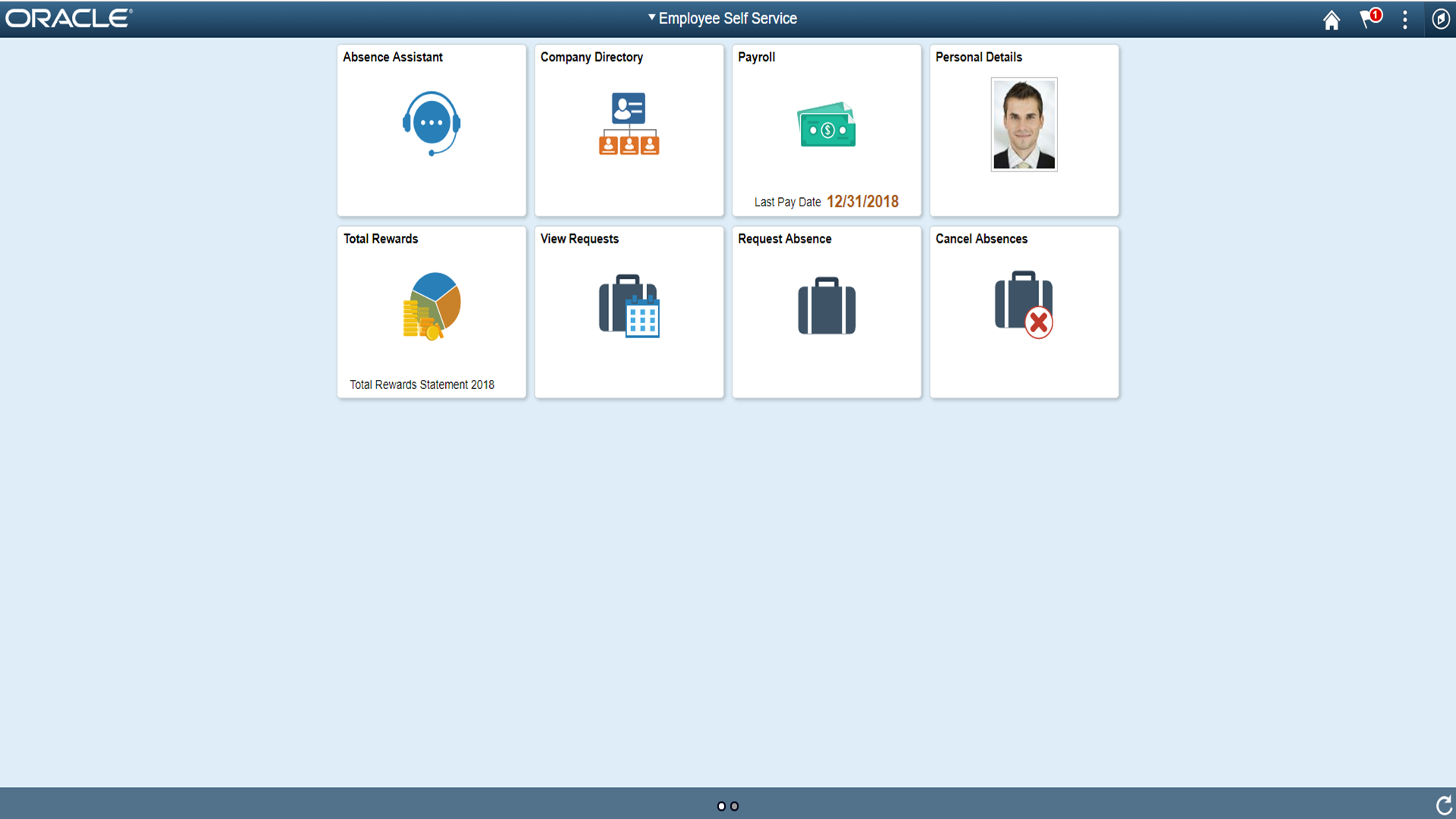
Click the tile to launch the chatbot. You can start a conversation with the chatbot though the chat window.
Image: Chat Window
This image illustrates the chat window of a chatbot.
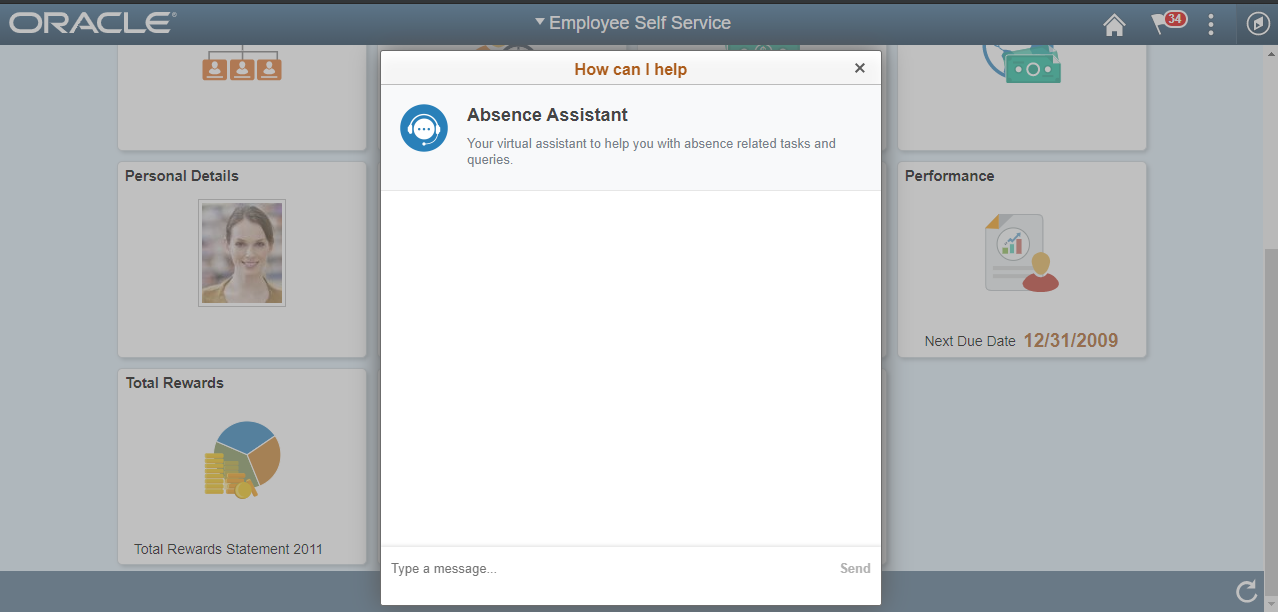
The chat client window on a desktop device is a launched as a modal from the tile which the user can use to chat with the chatbot. However on a mobile device, the chat window is displayed as a standard page.
Image: Chatbot tile on a mobile device
Chatbot tile on a mobile device

Image: Chatbot client on a mobile device
Chatbot client on a mobile device.

Image: Chatbot through text messaging
Chatbot through text messaging
