Business Process
Release 23.11
Notice to Proceed
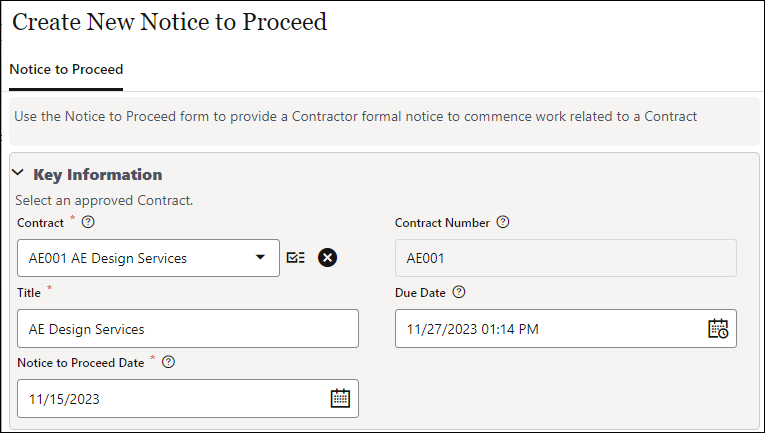
The new Notice to Proceed business process is in the Commitments node of the Oracle Project Shell template. It provides a contractor with formal notice to commence work related to a contract.
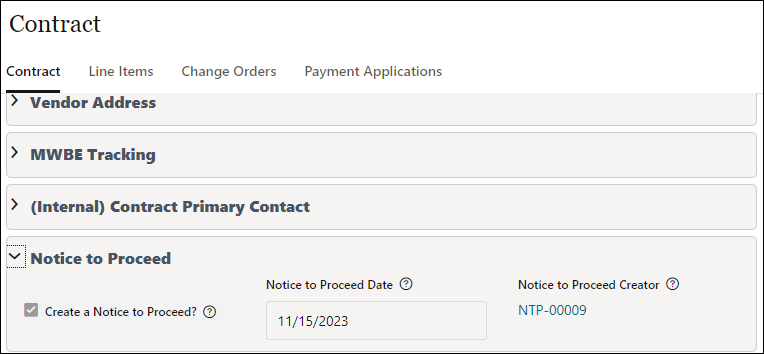
A Notice to Proceed record may be created manually or auto-created from an approved contract by checking the Create a Notice to Proceed checkbox on the Contract form. The date can be selected on the contract or edited on the Notice to Proceed. The date and record number will populate back to the Contract from the related Notice to Proceed.
The Create NTP checkbox may be defaulted to selected by checking the box in the Contract block of the Project Configuration BP.
Vendors can acknowledge receipt of the NTP record through the Unifier workflow, and a custom print is available to create a Notice to Proceed document.
Note: The Oracle Project shell template is updated by these changes; an administrator will need to update customer project templates with changes they choose to adopt.
Release 23.7
Potential Change Order
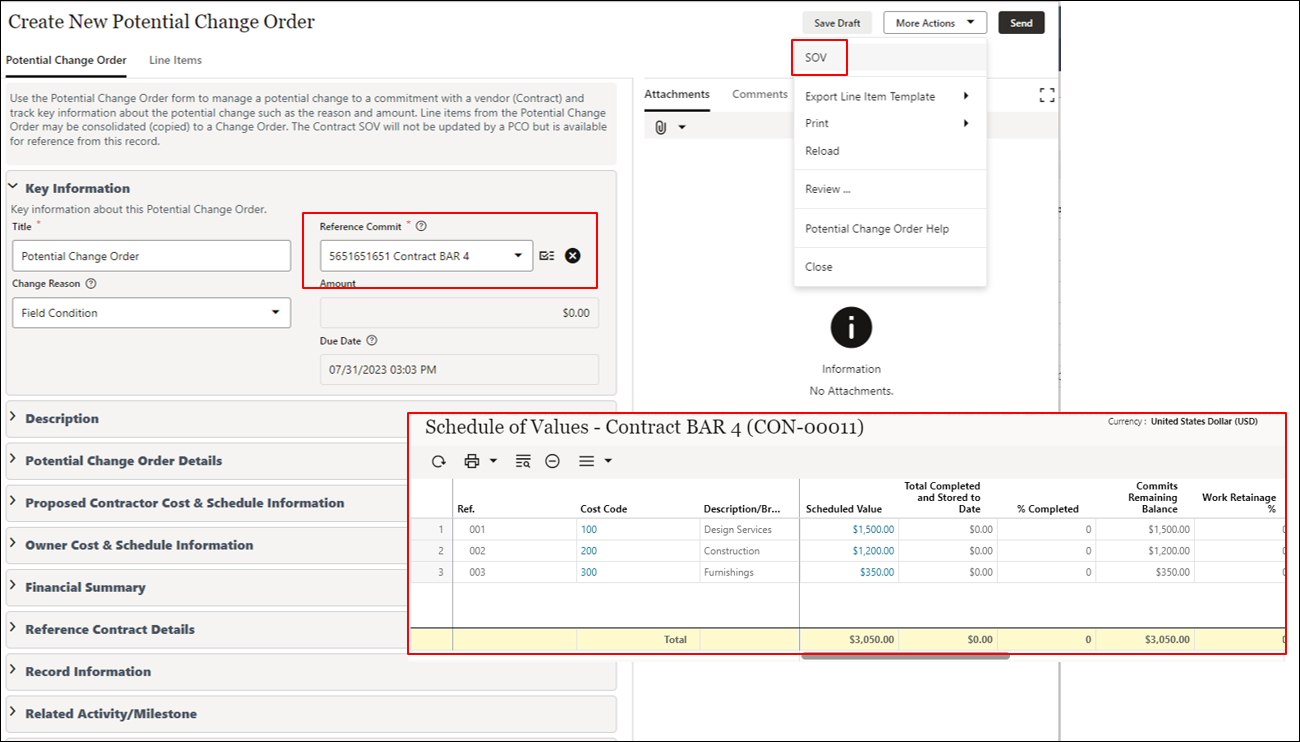
The Potential Change Order business process is added to the Change Management node to handle potential changes to a contract. It is designed to be manually created by a contractor, supplementing the owner-created Change Request business process. A Potential Change Order (PCO) record can also be auto-created from a Request for Information. The line items of a Potential Change Order associate possible changes with project CBS codes.
PCO records will not update the Schedule of Values of their associated Contracts, but the SOV can be viewed as a reference while creating or editing the PCO.
Line items from one or more Potential Change Orders may be consolidated to a Change Order. The project cost sheet in the Oracle Project Shell Template has a new column titled Potential Change Orders to report on approved PCOs.
Release 23.4
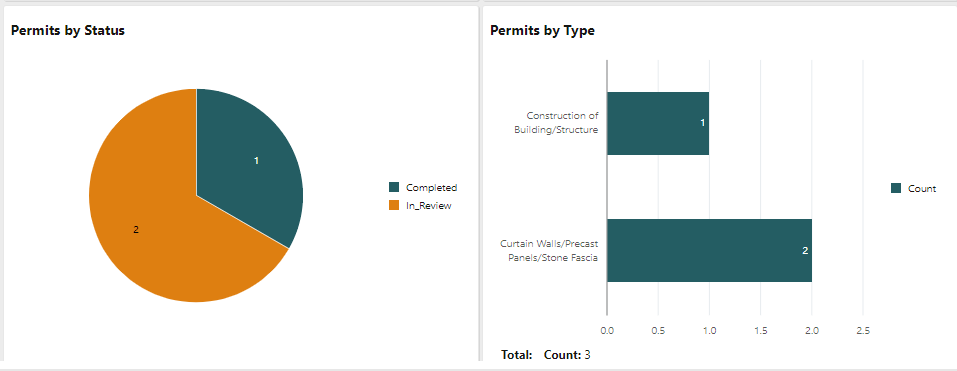
Use New Permit BP to Manage Applications
The Permit business process is added to the Project Management node, allowing you to manage owner permit applications. It tracks key information about the permit application and result awarded permit. Permit-related inspections are tracked in line items.
This update requires manual actions on your part. For more information, see Implementing Configuration Package Updates. 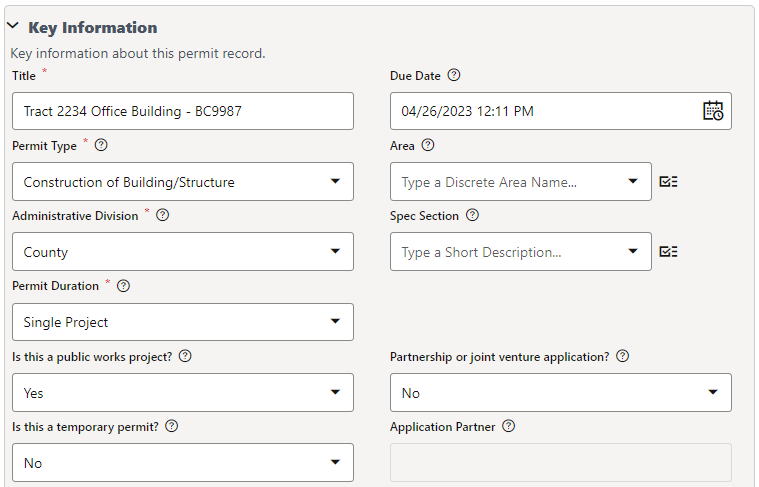
Use New Site Photo BP to Add Photos, Audio, Video
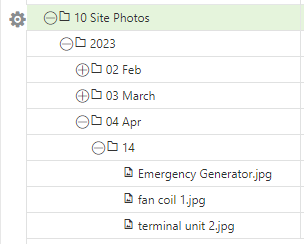
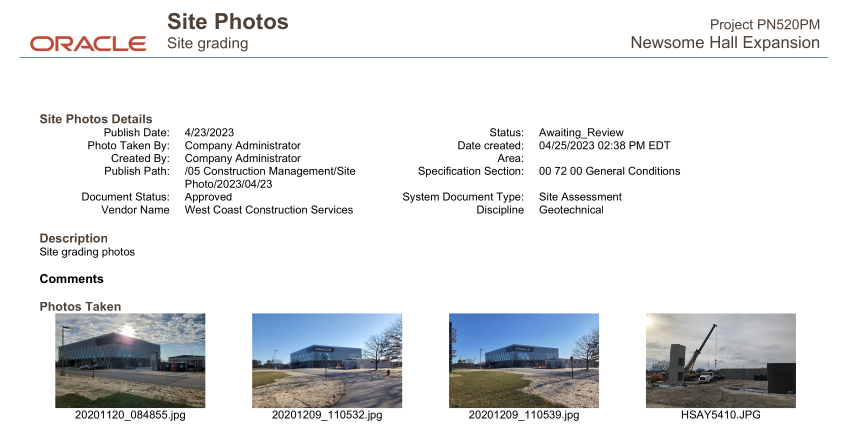
The Site Photo business process enables you to add photos, videos, or audio files to a project-level Document Manager. It is accessed from the Field Management node in the Unifier Mobile Application.
This update requires manual actions on your part. For more information, see Implementing Configuration Package Updates.
Last Published Tuesday, November 21, 2023