Message Templates in Debug Report
Message templates are displayed in the step where the message template was used. On the debug report,
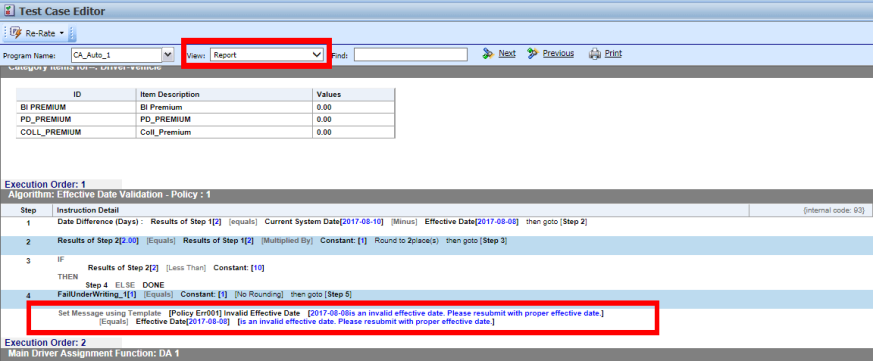
If the step is not run, the message is not displayed.
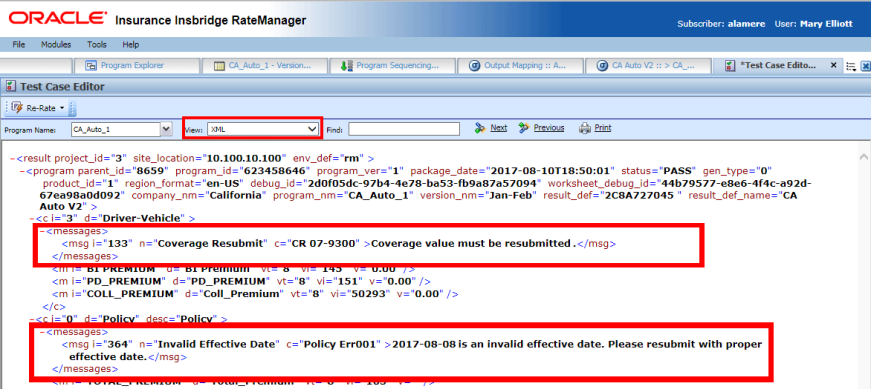
Message templates are displayed in the Messages node on the debug report in XML view.
Signed and Unsigned Values in Debug Report
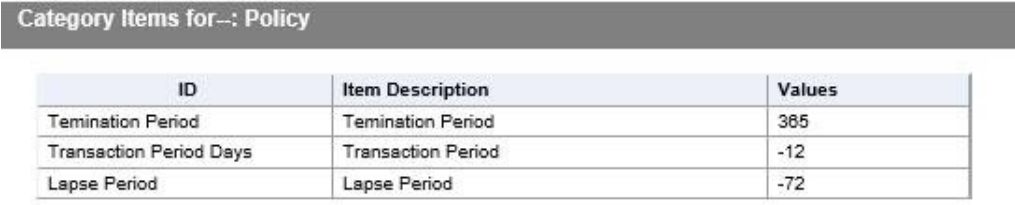
Date Difference steps can return a designation for a negative value. On the debug report, the designation is displayed in the step details. When a date difference step is signed, a sign is displayed only when the value returned in negative.

In the summary area of the debug report, signed date difference steps will display a negative value