Deleting a Program
If a program is no longer needed it can be deleted. Make absolutely sure a program is no longer needed before deleting it. When a program is deleted, all data (variables, algorithms, sequencing, result groups and, if an auto program, driver assignment scenarios) and versions are deleted.
Note: Program deletion cannot be undone.
- Select the program you want to delete.
- Right click and select Delete. You must confirm the deletion of the program.
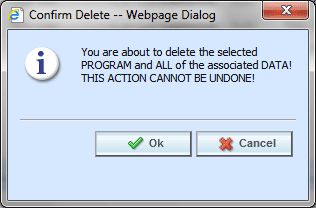
- Select Ok to confirm deletion or Cancel to return to Program Explorer without deleting the program.
- You must confirm again that you want to delete the program.
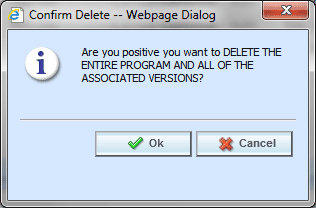
- Select OK to confirm deletion. The program and all associated versions are deleted. Click Cancel to return to Program Explorer without deleting the program.