BatchScreen
Batch Processing allows a certain defined business process to be invoked upon a group or ‘batch’ of specified policies which can be extended to any entity. This feature helps user to invoke a defined business process for all specified policies from one screen (Batch Screen) and avoids the need to go to each individual policy.
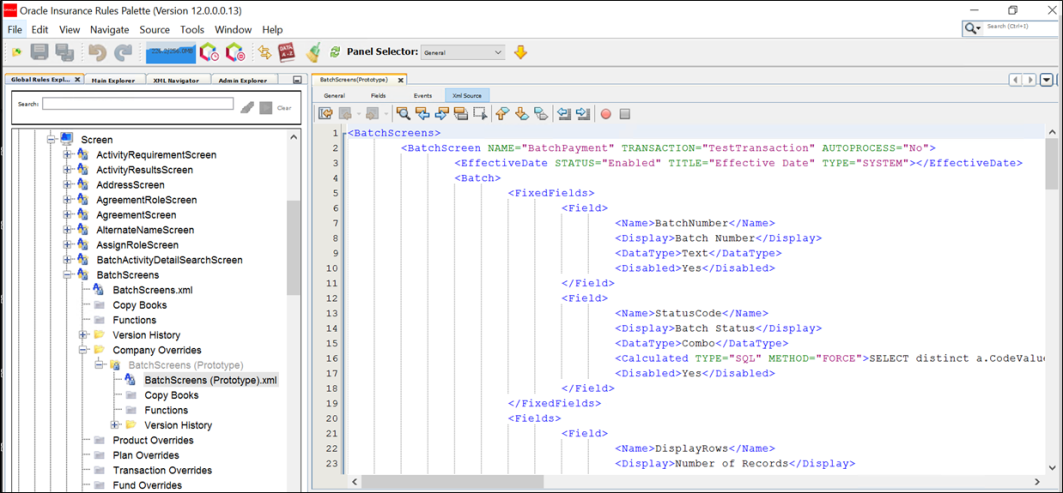
XML Source Pane
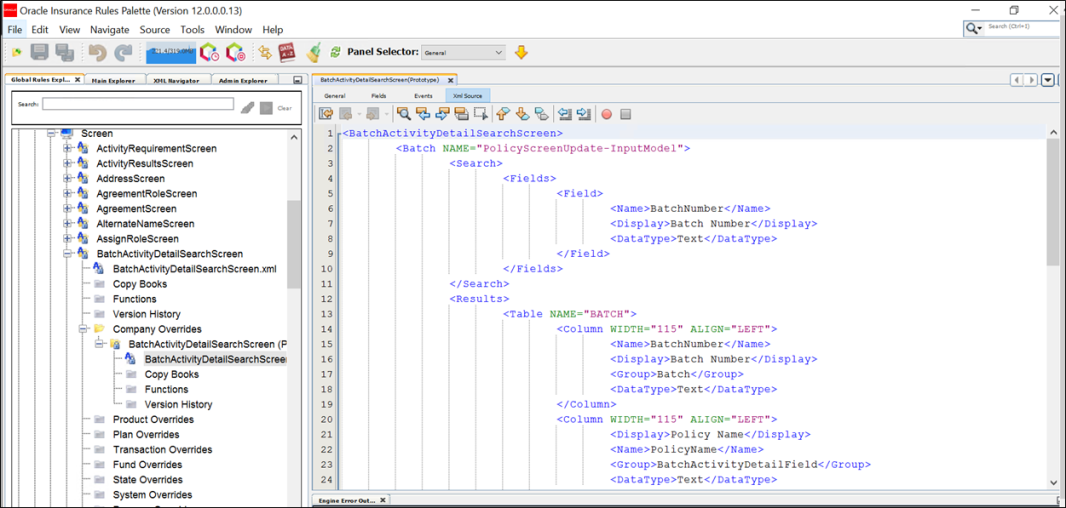
Batch Search Screen
This allows user to search the existing batch.
XML Source Pane
Miscellaneous Screen Details: Security
Page Name: Batch
- Save
- Release
- Delete
- Find
- New
Buttons:
Page Name: BatchActivityDetail
Buttons:
- Delete
- Select
- Detail
- Save
- Skip
- Back
Page Name: BatchActivityDetailField
- Ok
- Cancel
Buttons:
Page Name: BatchActivityDetailSearch
Button: Find
