Deploy Service Layer Application
- Using the navigation tree on the left, select Deployments.
- In the configuration section on the right, select Install.
- In the Install Application Assistant:
- Locate the PASService.war file.
- Click Next.
- For the Choose targeting style keep the default of Install this deployment as an application.
- Click Next.
- For the Select deployment targets, select the checkbox for the server that will host the OIPA application.
- Security : Select "DD Only" option as below.
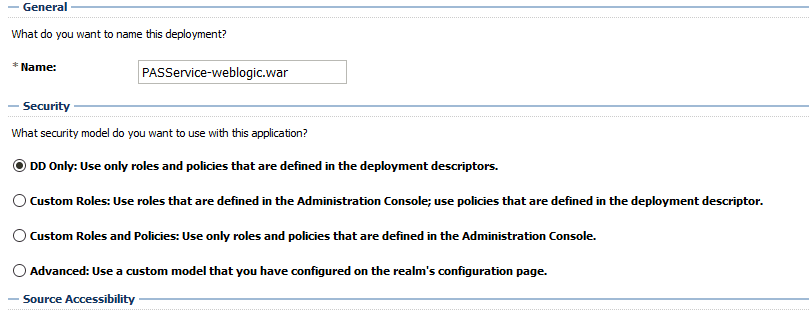
Note: Make sure Service Layer is deployed in the same sever where the above library is deployed.
- Click Next.
- Change the application name if needed.
- Click Next.
- Select Finish.
Preparing Deployments
- Using the navigation tree on the left, select Deployments.
- Select recently deployed deployments.
- Click Start and select Servicing All Requests
Start the Servers
- Select Environment>Servers.
- In the configuration section on the right, select Control tab.
- Select the check box next to the Service Layer server.
- Select the Start option.
