Forcing iLO to Use Strong Encryption
This section describes the procedure for an administrator to force iLO to use strong encryption.
Log in as an administrator to the iLO and perform the following
steps:
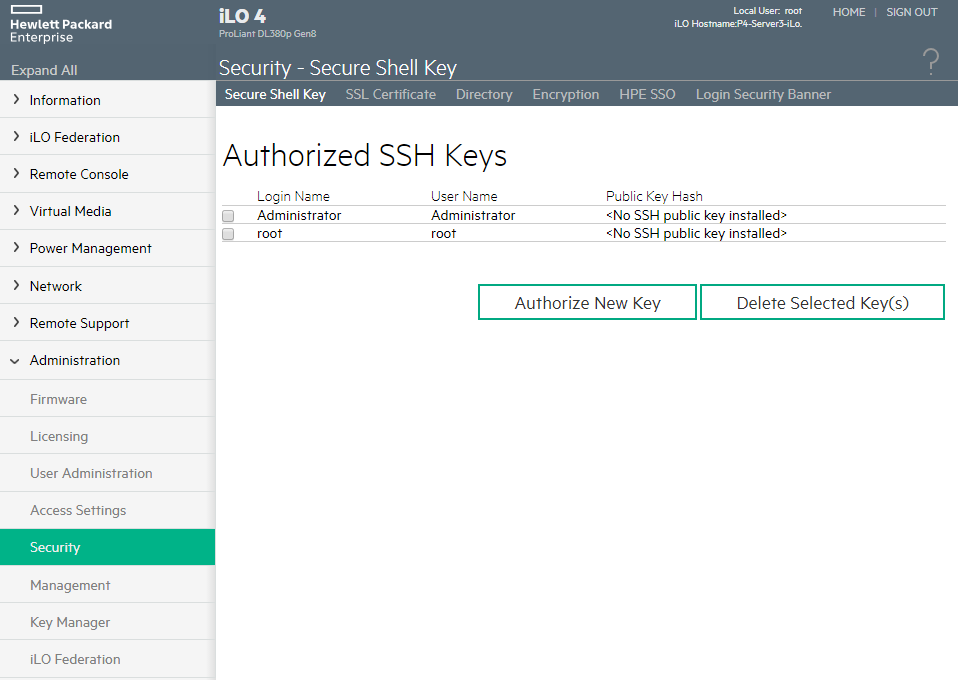
- On the Administration menu, click Security.
Figure 22-1 iLO Security Menu
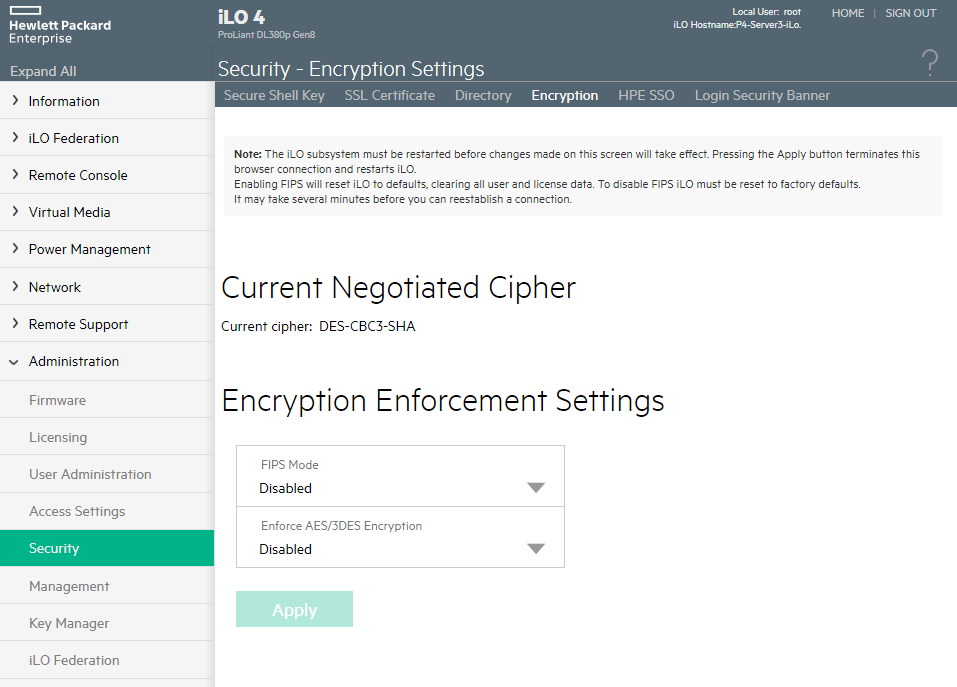
- Select Encryption tab, and under Encryption Enforcement
Settings, set the Enforce AES/3DES Encryption to Enabled.
Figure 22-2 iLO Security Encryption Settings