Adding a Filter Rule
- Open the variable where you want to add a filter rule.
- In the variable information section, click the Select Filter Rule option. This opens the select Filter rule by category.
- Select the filter rule you need and click OK.
- On the variable information section, the filter rule is listed. I filter icon is at the front of the element name.
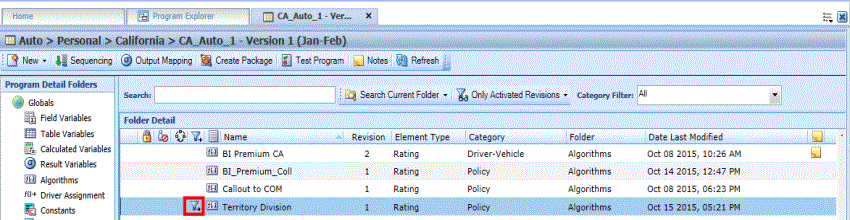
- The rule can be removed by clicking the clear option on the Edit Variable tab.
Note: If the variable or algorithms changes categories, the filter rule is removed. Filter Rules must be selected from the working category.
