Editing Data in a Cell
- Navigate to the Edit Variable tab for the table variable where you want to edit data.
- Click Edit Data to open the edit screen.

Editing Table Data
- Locate the cell to be edited.
- Click on the cell to be edited and enter the updated data. Double clicking opens a separate window where edits can be done. If there are additional cells to be edited, you can click on the next cell or tab to it. Edits are saved as soon as you leave the cell.
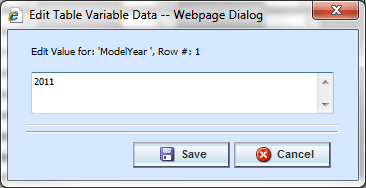
Edit Table Variable Data
Note: When you make a change to a cell in the data table, it is immediately updated in the database. Changes to the data table cannot be undone by clicking Cancel on the Edit Data screen. You must reenter the data if you inadvertently change a value.
- When you are finished editing the data, click Close to return the Edit Variable tab. If you changed any of the data, the time stamp on the Program Details tab is updated.
