Miscellaneous Scenarios and Limitations
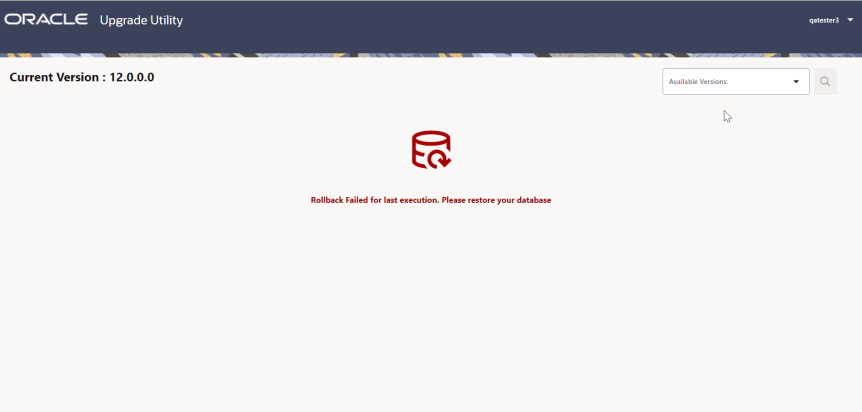
For any reason if the rollback operation fails, then the below screen appears, then the user needs to restore the database:
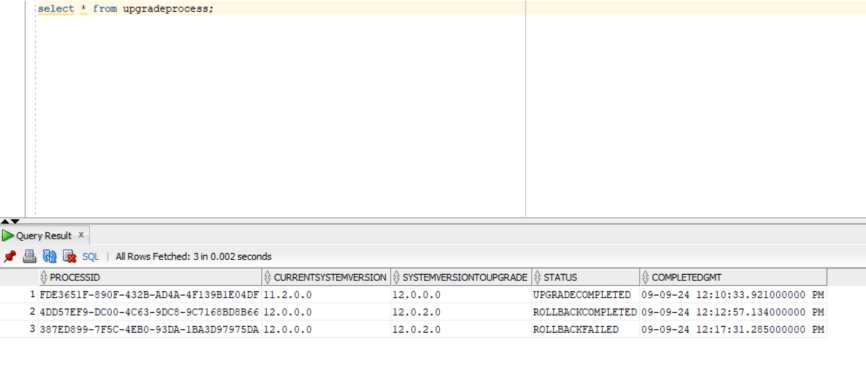
The "upgradeprocess" table entry will also get updated with the status "ROLLBACKFAILED"
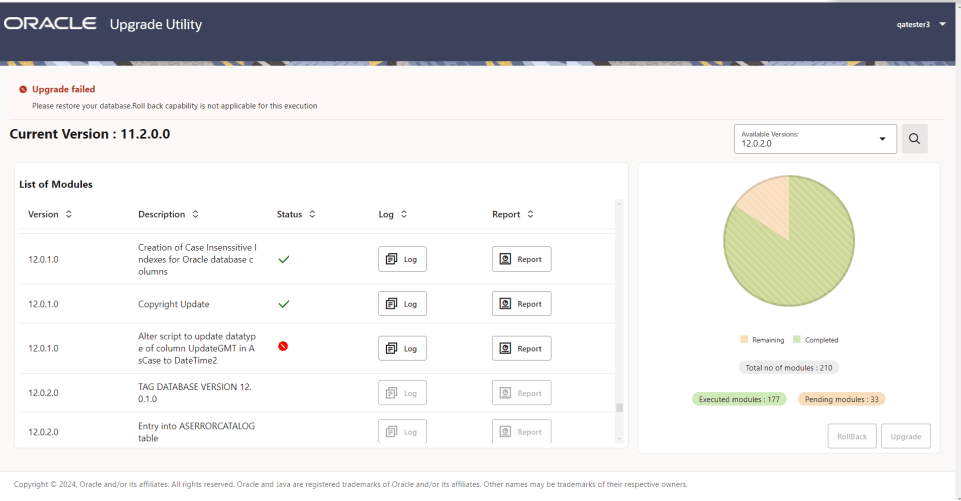
The rollback capability is not available for the source version prior to 11.3.0.0. The user will not be able to perform rollback if the user version is prior to 11.3.0.0 and in case upgrade fails it displays the below screen and error message "Please restore your database. Rollback capability is not applicable for this execution".
Note: This version of Upgrade Utility will not support roll back of stored procedures and functions, so manual backup and restore is required for these objects.