Resource Role Associations
Description
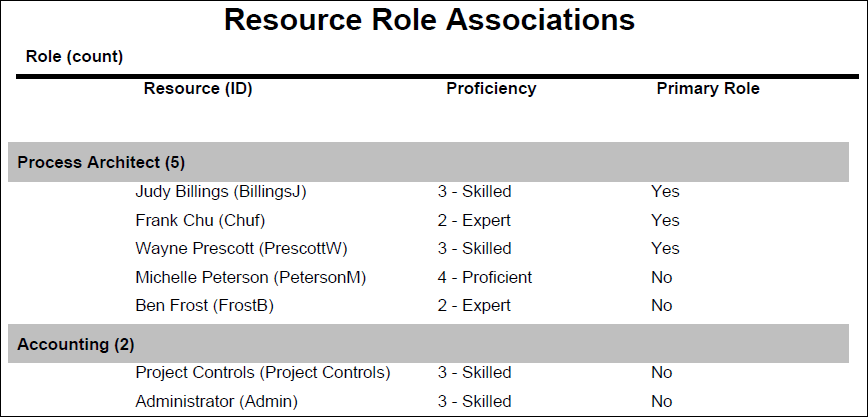
Displays a list of all roles in the system and the resources assigned to each role. The Primary Role and Proficiency level are identified for each resource.
Location
- On the
 Navigation Menu, select
  Reports.
 - Expand the P6Reports folder.
- Expand the Resource folder.
- Click Resource Role Associations.
Last Published Tuesday, March 31, 2026