Issues
Description
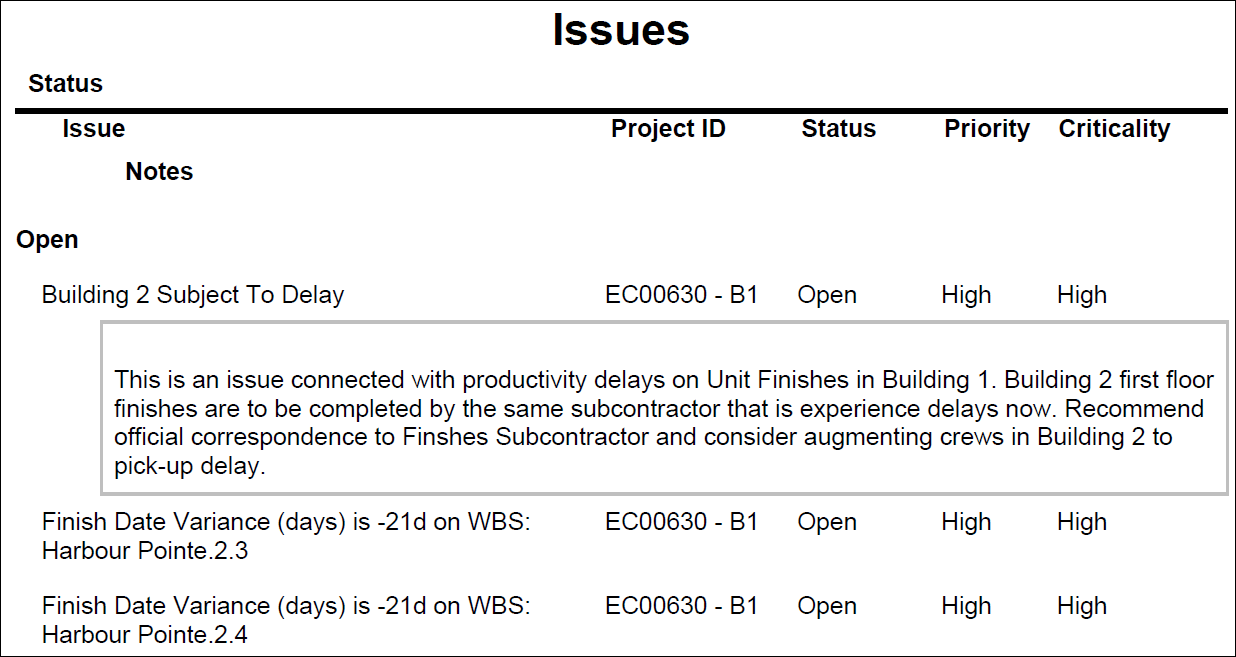
Lists all Issues identified for the selected projects, grouped by Status. The issue details include Priority, Criticality, and issue description, if provided.
Location
- On the
 Navigation Menu, select
  Reports.
 - Expand the P6Reports folder.
- Expand the Project folder.
- Click Issues.
Last Published Tuesday, March 31, 2026